In digital forensics, artifacts are like puzzle pieces scattered across a dark room. You have a deleted file from the MFT, a login event from the EVTX logs, and a browser search from an SQLite database. Individually, they are interesting. Chronologically, they are a narrative.
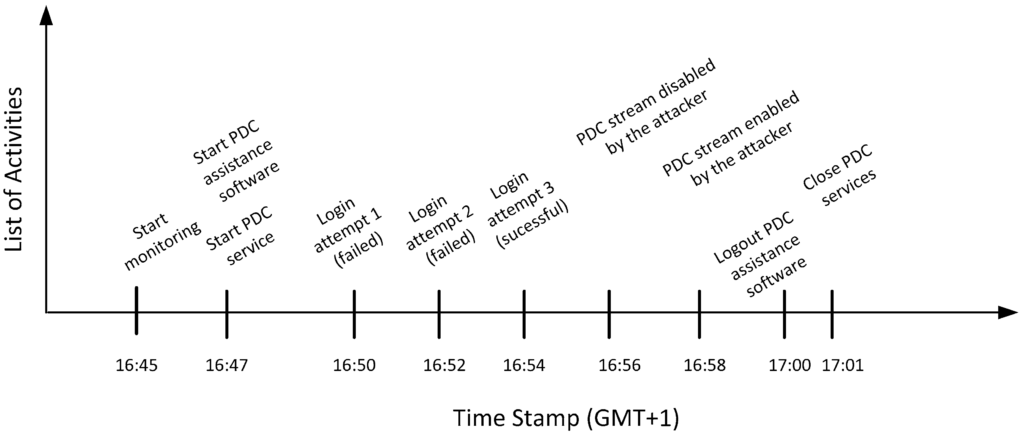
Timeline Analysis is the process of aggregating every single timestamp from every available artifact into a single, unified master record. This is known as the “Super Timeline.” It allows a Forensic Operator to see the exact sequence of events leading up to, during, and after a security incident.
1. The Power of Correlation: Why We Need a Super Timeline
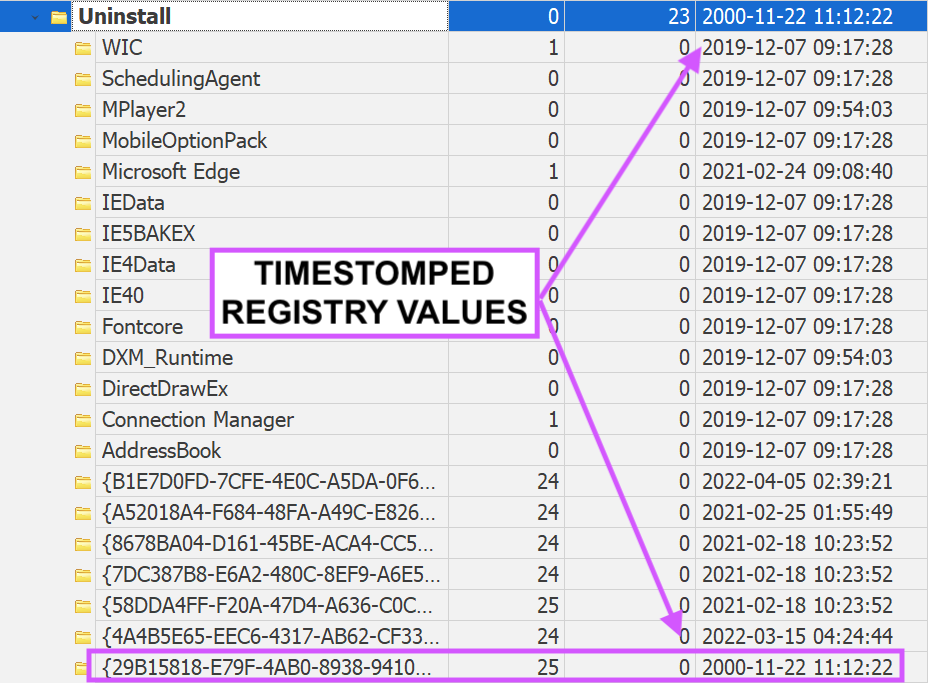
Most attackers don’t just do one thing; they perform a sequence of actions. A single timestamp can be faked (Timestomping), but faking an entire sequence across multiple, unrelated artifacts is nearly impossible.
The “Super Timeline” combines:
- File System Layer: MACB (Modified, Accessed, Created, Birth) times from the $MFT.
- Registry Layer: Last Write times for keys showing configuration changes.
- Application Layer: Execution times from Prefetch, Shimcache, and UserAssist.
- Event Log Layer: System logins, service starts, and security alerts.
- Network Layer: Browser history, download times, and socket connections.
2. The Tool of Choice: Plaso (log2timeline)
The industry standard for creating Super Timelines is Plaso (specifically the tool log2timeline.py). Plaso is a massive engine that “parses” hundreds of different file types and extracts every timestamp it finds into a unified format.
The Workflow:
- Extraction:
log2timelinescans the disk image and extracts timestamps into a.plasostorage file. - Filtering: You use
psort.pyto filter out the noise (like thousands of daily system pings) and focus on the specific window of the attack. - Visualization: The data is exported to a CSV or an ELK stack (Elasticsearch, Logstash, Kibana) for analysis.
3. Real-World Example: The “Inside Job” Data Leak
The Scenario: A company detects that its proprietary source code was uploaded to a competitor’s server at 03:00 AM on a Tuesday. The suspect, a lead developer, claims they were asleep and their computer was off.
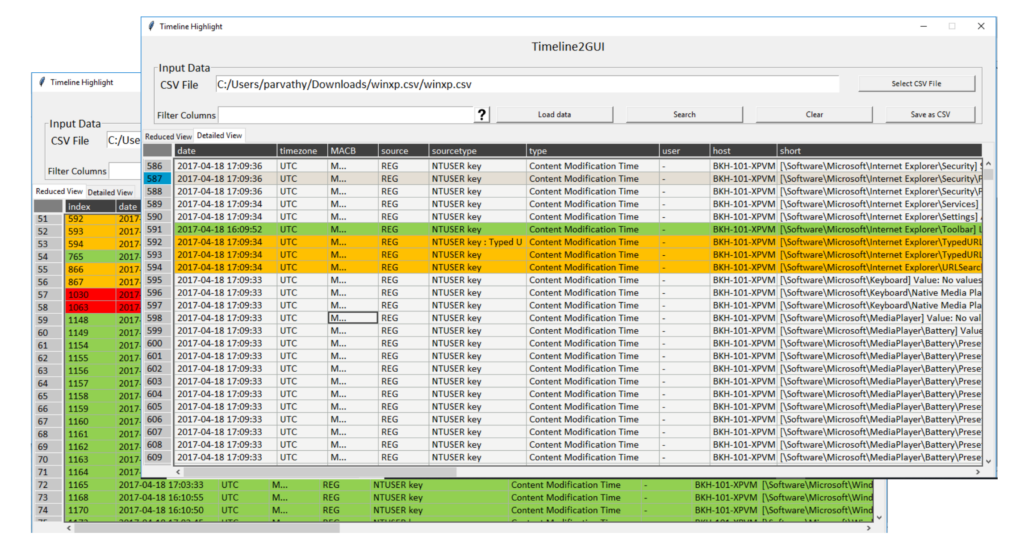
The Super Timeline Analysis: By running log2timeline on the suspect’s workstation, the operator sees the following sequence:
- 02:45:12 AM: Security Log (EVTX): Successful interactive login for user
dev_admin. (This proves the machine was on). - 02:47:05 AM: Registry (USBSTOR): A Samsung USB drive is mounted.
- 02:48:30 AM: MFT Artifact:
Source_Code.zipis created on theE:\drive (the USB). - 02:55:00 AM: Browser History (Chrome): Access to
anon-file-upload.net. - 02:58:15 AM: Prefetch (7zip.exe): 7zip is executed to compress a folder.
- 03:02:40 AM: LNK File: A shortcut is created for
E:\Source_Code.zip. - 03:05:00 AM: System Log: Machine initiates a shutdown command.
The Conclusion: The suspect’s story collapses. The timeline proves a logical flow of intent: Login -> Insert Media -> Prepare Data -> Upload -> Shutdown. Without the Super Timeline, these would just be isolated, debatable facts.
4. Tactical Procedure: Running log2timeline
Step 1: Generate the Storage File Point Plaso at your forensic image. This process can take hours as it parses millions of records.
4. Tactical Procedure: Running log2timeline
Step 1: Generate the Storage File Point Plaso at your forensic image. This process can take hours as it parses millions of records.
log2timeline.py --storage-file case_001.plaso evidence_disk.E01Step 2: Psort and Filter Filter for a specific timeframe (e.g., 24 hours surrounding the incident) to make the data manageable.
psort.py -z "UTC" -o l2tcsv -w timeline.csv case_001.plaso "date > '2025-12-18 00:00:00' AND date < '2025-12-19 00:00:00'"5. Identifying “Anachronisms”
A Super Timeline is also the best way to find Anti-Forensic activity. If the MFT Birth time of a file is after the Last Access time in the Registry, you have found an anachronism. This typically means the attacker used a “Timestomping” tool but failed to account for all the secondary artifacts that Windows creates automatically.