On this page
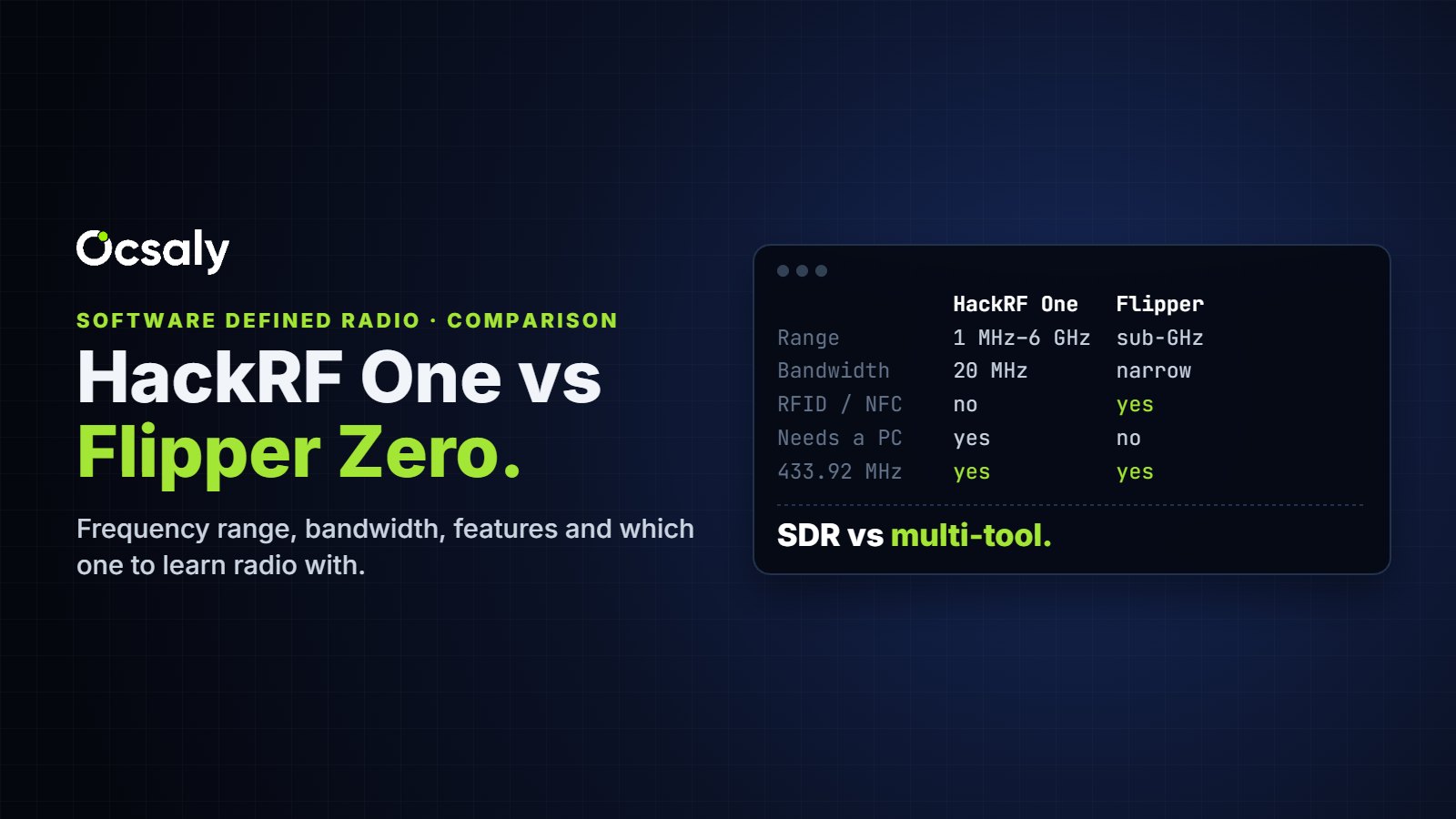
HackRF One is a wide-band software-defined radio: it covers about 1 MHz to 6 GHz and streams up to 20 million samples per second to a computer, where software such as GNU Radio, SDR++ or Universal Radio Hacker does the work. Flipper Zero is a pocket multi-tool with a fixed set of radios: a sub-GHz transceiver for common remote-control bands, 125 kHz RFID, 13.56 MHz NFC, infrared, iButton and GPIO, all usable from its own screen without a computer. Choose HackRF to learn how radio really works and to analyse almost any signal; choose Flipper Zero for quick, portable work with the common short-range protocols.
Side by side
| HackRF One | Flipper Zero | |
|---|---|---|
| Type | Software-defined radio (SDR) | Multi-tool with dedicated radio chips |
| Frequency range | About 1 MHz to 6 GHz | Sub-GHz bands around 300–348, 387–464 and 779–928 MHz, plus 125 kHz and 13.56 MHz |
| Bandwidth | Up to 20 MHz (20 Msps, 8-bit) | Narrow, made for specific modulations |
| Transmit | Yes, half-duplex (transmit or receive, not both) | Yes on sub-GHz, limited to legal bands by region in the official firmware |
| Other interfaces | None besides radio | RFID 125 kHz, NFC, infrared, iButton, GPIO, Bluetooth LE, USB |
| Needs a computer | Yes (or a PortaPack add-on for standalone use) | No |
| Software | GNU Radio, SDR++, GQRX, URH, hackrf_tools | Built-in apps, community apps, qFlipper |
| Open source | Hardware and software | Firmware and many tools |
| Price range | Around 300 US dollars for the original; cheaper clones vary in quality | Under 200 US dollars |
What HackRF One is good for
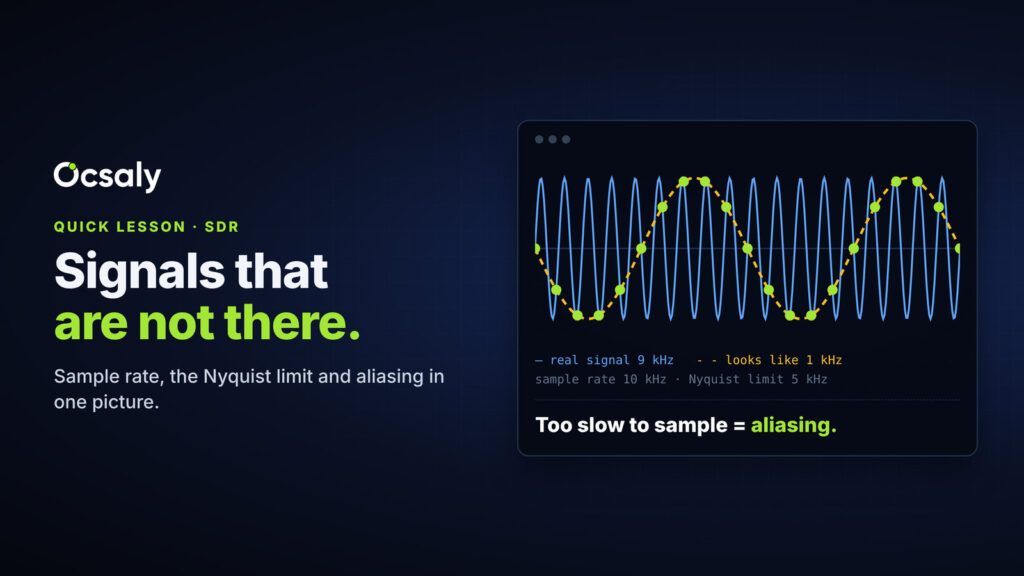
- Learning real radio. You see the raw I/Q samples, choose the sample rate and centre frequency, and build demodulators yourself. This is the skill behind every SDR project. Sample rates are explained in SDR Sample Rate and Nyquist.
- Wide frequency coverage. FM broadcast, aircraft and ship tracking, ISM-band devices, GPS bands, Wi-Fi and Bluetooth frequencies all fall within its range (decoding fast digital systems may need more bandwidth or specialised tools).
- Signal analysis. Record a signal, look at it in a waterfall, measure its modulation and data rate in Universal Radio Hacker, and write a decoder.
Limitations: 8-bit samples give less dynamic range than more expensive SDRs, it is half-duplex, and the front end needs filters and attenuators in strong-signal environments. For receiving only, a 30-dollar RTL-SDR dongle is the cheapest way to start.
What Flipper Zero is good for
- Quick, portable tests of access cards, NFC tags, infrared remotes and simple sub-GHz devices you own.
- Teaching and demonstrations, because the screen shows what is happening without a laptop.
- Hardware hacking help: GPIO, UART, SPI and I2C through add-on boards, and USB keyboard emulation for testing your own systems.
Limitations: it only understands the protocols its chips and apps support, the bandwidth is narrow, and you do not learn the underlying signal processing.
Which one should you buy?
- You want to understand radio and become good at SDR: HackRF One, or an RTL-SDR first if you only want to receive.
- You test access control, NFC and IR in the field: Flipper Zero.
- You are a security learner on a budget: start with an RTL-SDR and free software, learn the basics, and add HackRF when you need to transmit or need more range.
Stay legal
Receiving is legal in most countries for most bands, though decoding some communications is not. Transmitting is regulated everywhere: you need the right licence or must stay within licence-free limits, and you must never interfere with other services. Only test devices, cards and systems you own or have written permission to test.
Interactive lab: can it tune this frequency?
| Device | Covers it? | Note |
|---|
Related guides: SDR++ tutorial, SDR sample rate and Nyquist.
Frequently asked questions
Can Flipper Zero do everything a HackRF can?
No. Flipper Zero uses fixed radio chips for specific bands and protocols. HackRF One is a general-purpose SDR that covers about 1 MHz to 6 GHz and lets software process any signal in that range, at the cost of needing a computer.
Is HackRF One good for beginners?
Yes, if you want to learn signal processing. Beginners who only want to listen can start with a cheaper RTL-SDR receiver and move to HackRF when they need transmit capability or wider frequency coverage.
Can HackRF transmit and receive at the same time?
No. HackRF One is half-duplex: it either transmits or receives. Full-duplex work needs two devices or a different SDR.
Do I need a licence to use HackRF or Flipper Zero?
You do not need a licence to own or receive with them in most countries. Transmitting is regulated: use licence-free bands within their power limits, or hold the appropriate amateur radio licence, and never transmit on frequencies you are not allowed to use.
What software works with HackRF One?
GNU Radio, SDR++, GQRX, SDR# (on Windows), Universal Radio Hacker and the command-line hackrf_tools such as hackrf_transfer and hackrf_sweep.
Where to go next
Choosing hardware is the easy part. Sampling, I/Q data, filters, demodulation and building receivers in GNU Radio are taught step by step in Software Defined Radio Training. To try GNU Radio without any hardware, follow Build an AM Receiver in GNU Radio.