On this page
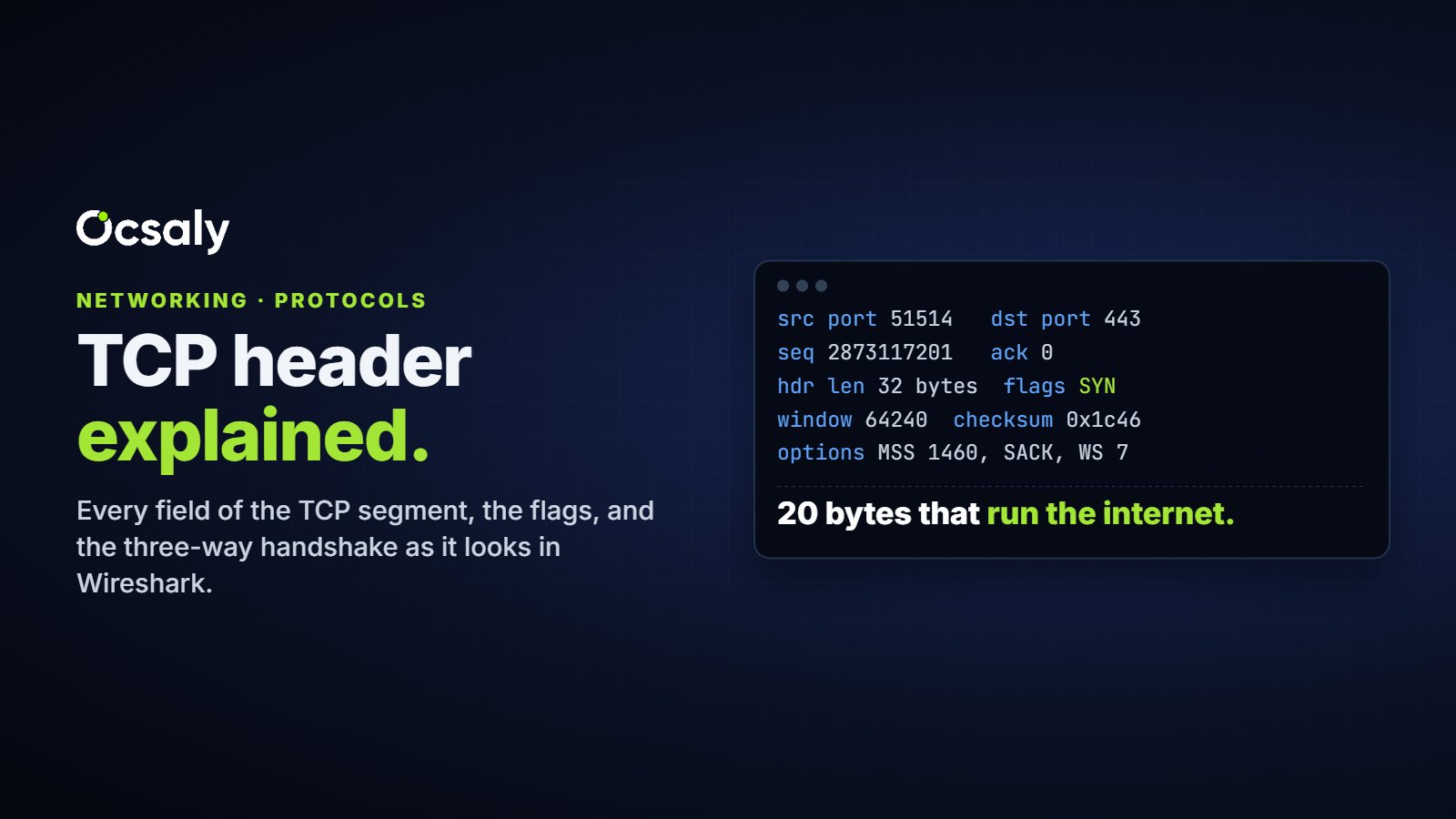
TCP (Transmission Control Protocol) delivers data reliably and in order between two programs, for example a browser and a web server. Every TCP segment starts with a header of at least 20 bytes that tells the receiver which application the data belongs to, where it fits in the stream, and what to do next.
The TCP header fields
| Field | Size | Purpose |
|---|---|---|
| Source port | 16 bits | Port of the sending application |
| Destination port | 16 bits | Port of the receiving application (443 for HTTPS, 22 for SSH) |
| Sequence number | 32 bits | Position of the first data byte in the stream |
| Acknowledgment number | 32 bits | Next byte the sender expects to receive (valid when ACK is set) |
| Data offset (header length) | 4 bits | Header size in 32-bit words (5 = 20 bytes, up to 60 bytes) |
| Reserved | 3 bits | Unused, must be zero |
| Flags | 9 bits | Control bits (below) |
| Window size | 16 bits | How many bytes the receiver can accept (flow control) |
| Checksum | 16 bits | Error check over header, data and a pseudo-header |
| Urgent pointer | 16 bits | Marks urgent data when URG is set (rarely used) |
| Options | 0 to 40 bytes | MSS, window scaling, SACK, timestamps |
TCP flags
| Flag | Meaning |
|---|---|
| SYN | Start a connection, synchronise sequence numbers |
| ACK | The acknowledgment number is valid |
| FIN | Sender has finished sending |
| RST | Reset the connection immediately |
| PSH | Push data to the application without waiting |
| URG | Urgent pointer is valid |
| ECE, CWR | Explicit congestion notification |
| NS | Experimental ECN nonce (obsolete) |
The three-way handshake
- Client to server: SYN, with the client’s initial sequence number.
- Server to client: SYN, ACK, with the server’s sequence number and an acknowledgment of the client’s.
- Client to server: ACK. The connection is open.
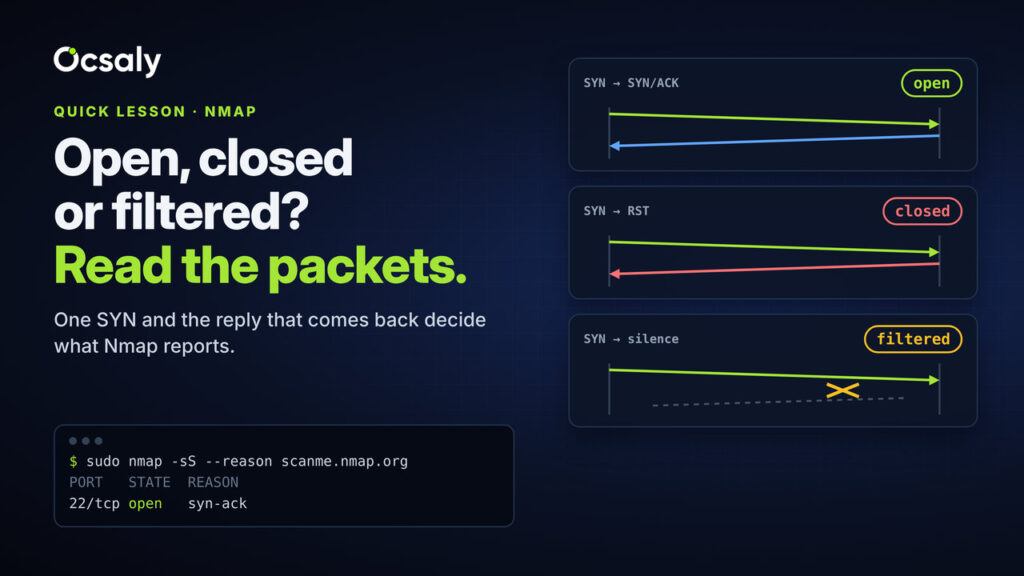
Closing usually uses FIN and ACK in each direction; RST aborts a connection, and is also what a closed port sends back to a SYN, which is how Nmap scan types such as the SYN scan decide whether a port is open.
Common options
| Option | Purpose |
|---|---|
| MSS (maximum segment size) | Largest data payload per segment, often 1460 bytes on Ethernet |
| Window scale | Multiplies the 16-bit window for fast, high-latency links |
| SACK permitted / SACK | Selective acknowledgments of out-of-order data |
| Timestamps | Round-trip time measurement and protection against old duplicates |
Seeing it in Wireshark
Capture any web traffic and filter tcp.flags.syn == 1 to see handshakes, or tcp.analysis.retransmission to find network problems. Wireshark shows relative sequence numbers by default to make them easier to read. More filters are in the Wireshark filters cheat sheet.
Frequently asked questions
How big is the TCP header?
20 bytes without options, and up to 60 bytes with options.
What is the difference between the sequence and acknowledgment numbers?
The sequence number marks where this segment’s data starts; the acknowledgment number tells the other side which byte is expected next.
What does the RST flag mean?
Reset: the connection is aborted, or the port is closed.
What is the TCP window?
The amount of data the receiver is ready to accept, used for flow control.
What is the difference between TCP and UDP headers?
UDP’s header is only 8 bytes (ports, length, checksum) and has no sequence numbers, acknowledgments or connection setup.
Learn networking for security
Our Ethical Hacking and Network Reconnaissance course explains TCP/IP from the packet up and how scanners and attacks use it.