On this page
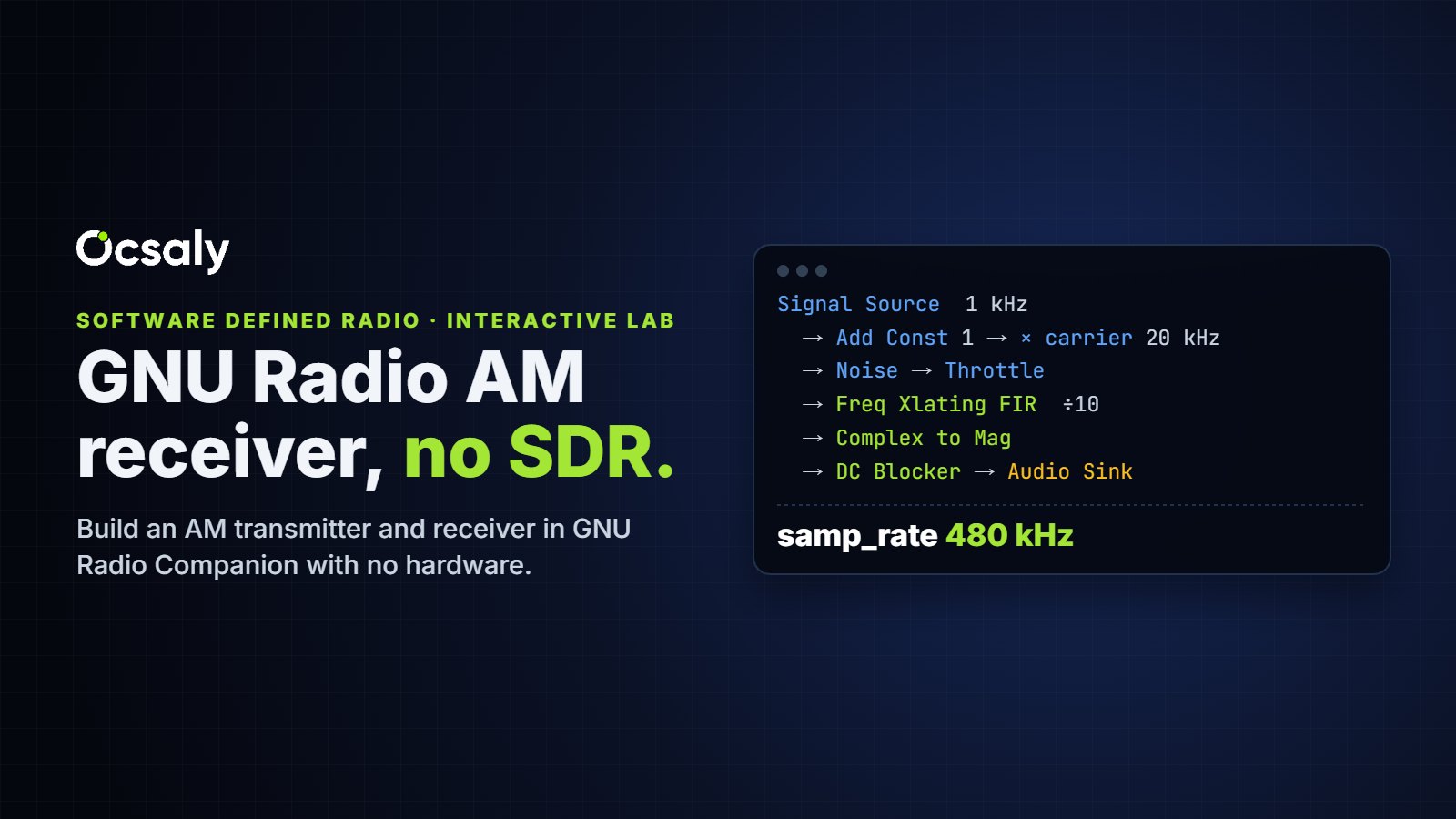
You can learn GNU Radio without any SDR by generating the radio signal yourself. In GNU Radio Companion, create an AM signal from a 1 kHz tone, place it 20 kHz away from the centre like a real station, add noise, and then build the receiver: a Frequency Xlating FIR Filter to tune and filter the station, Complex to Mag to detect the envelope, a DC Blocker to remove the carrier, and an Audio Sink to listen. A Throttle block keeps the simulation running at real-time speed. When you later connect an RTL-SDR or HackRF, you only replace the simulated part with a hardware source.
This tutorial uses GNU Radio 3.10. Each block’s settings are listed so you can rebuild the flowgraph exactly.
Install GNU Radio
# Ubuntu, Debian, Kali
sudo apt install gnuradio

# Then start the graphical editor
gnuradio-companion
On Windows and macOS, the radioconda installer is the easiest way to get GNU Radio with SDR drivers.
How AM works in one paragraph
Amplitude modulation changes the strength of a carrier wave in step with the audio. The transmitted signal is (1 + m × audio) × carrier, where m is the modulation index between 0 and 1. The receiver only has to follow the outline of the signal, called the envelope, and remove the constant part to get the audio back. That is why AM receivers can be so simple, and why AM is the best first project in GNU Radio. The lab at the end draws each step.
The flowgraph
Set the variable samp_rate to 480000 (480 kHz). Audio comes out at 48 kHz, so the receiver decimates by 10.
Part 1: the simulated station
| Block | Settings | Why |
|---|---|---|
| Signal Source (Float) | Waveform Cosine, Frequency 1000, Amplitude 0.5 | The audio: a 1 kHz tone with modulation index 0.5 |
| Add Const (Float) | Constant 1 | Adds the carrier level: 1 + 0.5 × audio |
| Float To Complex | Imaginary input left unconnected | Radio signals in GNU Radio are complex (I/Q) |
| Signal Source (Complex) | Waveform Cosine, Frequency 20000, Amplitude 1 | Moves the station 20 kHz away from the centre |
| Multiply (Complex) | 2 inputs | Mixes the AM signal up to +20 kHz |
| Noise Source (Complex) | Gaussian, Amplitude 0.2 | Makes it realistic |
| Add (Complex) | 2 inputs | Signal plus noise |
| Throttle | Sample Rate samp_rate | Without hardware, nothing limits the speed; Throttle keeps it at real time |
Part 2: the receiver
| Block | Settings | Why |
|---|---|---|
| Frequency Xlating FIR Filter | Decimation 10, Taps firdes.low_pass(1, samp_rate, 5000, 2000), Center Frequency 20000 | Tunes to the station, keeps 5 kHz of audio bandwidth, and reduces the rate to 48 kHz |
| Complex to Mag | Envelope detection: the length of each I/Q sample is the AM envelope | |
| DC Blocker | Length 32, Long Form on | Removes the constant carrier level, leaving the audio |
| Multiply Const | Constant 0.5 | Volume |
| Audio Sink | Sample Rate 48000 | Plays the tone on your speakers |
Add a QT GUI Frequency Sink after the Throttle (centre 0, bandwidth samp_rate) to see the station at +20 kHz with its two sidebands at 19 and 21 kHz, and a QT GUI Time Sink after the DC Blocker to see the recovered sine wave.
Press Run. You should hear a steady 1 kHz tone through the noise. Change the complex source to 19000 and the tone becomes distorted, because the receiver is now tuned 1 kHz off the carrier. Change the noise amplitude and listen to how AM degrades.
The shortcut block
GNU Radio also has an AM Demod block that combines the filtering and envelope detection. Build the manual version first so you understand each step, then compare it with AM Demod.
Moving to real hardware
Replace Part 1 with a hardware source: Soapy RTLSDR Source or Soapy HackRF Source (or osmocom Source), set its sample rate and centre frequency near a real AM signal, and set the Frequency Xlating filter’s centre frequency to the station’s offset. Remove the Throttle, because the hardware now sets the speed. Broadcast AM (medium wave, around 0.5 to 1.7 MHz) needs an SDR that tunes that low or an upconverter; aircraft voice around 118 to 137 MHz also uses AM and is easy to receive with an RTL-SDR in most places.
You can also practise with recordings: a File Source reading a saved I/Q file replaces the hardware and keeps the rest of the flowgraph unchanged.
Interactive lab: see AM modulation and detection
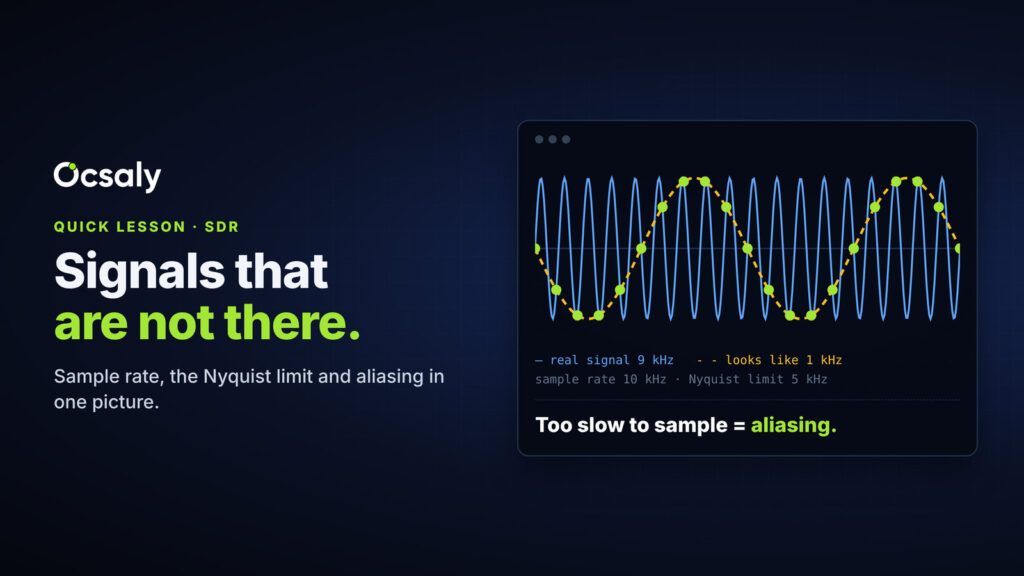
Related guides: SDR++ tutorial, SDR sample rate and Nyquist.
Frequently asked questions
Can I learn GNU Radio without an SDR?
Yes. Signal Source, Noise Source and File Source blocks let you create or replay signals, and a Throttle block keeps the flowgraph at real-time speed. Everything you build works the same way when you add hardware later.
Why do I need a Throttle block?
Without hardware, nothing limits how fast GNU Radio processes samples, so one CPU core runs at 100% and the GUI may freeze. Throttle limits the flow to the sample rate. Remove it when a hardware source or an audio sink already sets the pace.
What does Complex to Mag do in an AM receiver?
It calculates the magnitude of each complex I/Q sample, which is the envelope of the AM signal. After removing the constant carrier part with a DC Blocker, what remains is the audio.
Why does my AM audio sound distorted?
Common causes: the receiver is tuned off the carrier, the filter is too narrow, the modulation index is above 1 (overmodulation), or the audio sink sample rate does not match the rate after decimation.
Which SDR should I buy for GNU Radio?
An RTL-SDR dongle is the cheapest receiver and works well for learning. A HackRF One adds transmit and a much wider frequency range. See HackRF One vs Flipper Zero for a comparison.
Where to go next
FM and digital demodulation, filters, sample-rate conversion and reverse engineering real signals are taught in Software Defined Radio Training. To understand why the sample rate matters, read SDR Sample Rate and Nyquist.