The library

Explore practical walkthroughs, technical field notes, and fresh perspectives.

Autopsy digital forensics case with ingest modules and timeline
Learn Autopsy, the free digital forensics tool: create a case, add a disk image, choose ingest modules, review artifacts and deleted files, build a timeline.
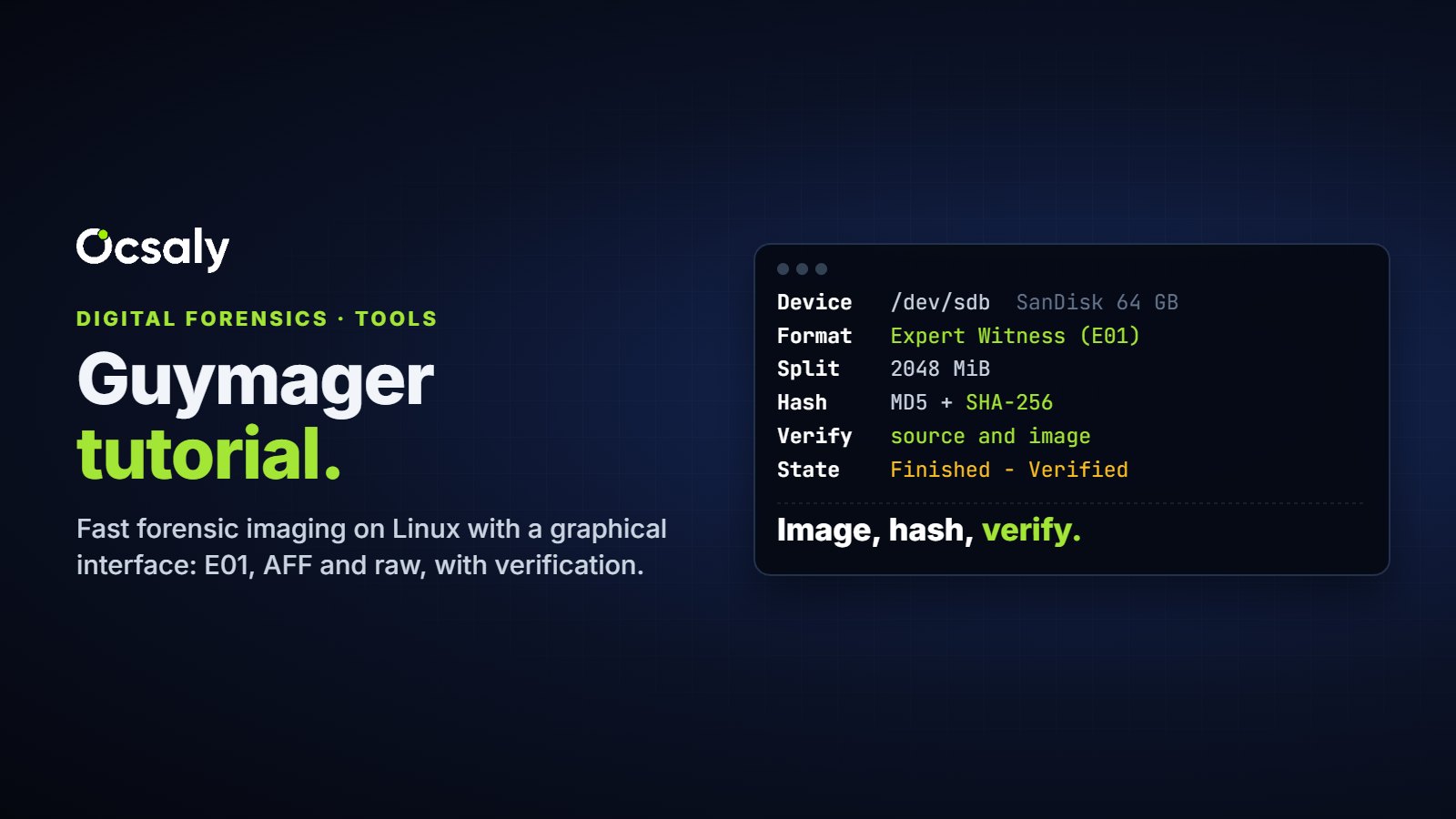
Guymager forensic imaging tool with E01 settings
How to use Guymager for forensic disk imaging on Linux: choose E01, AFF or raw, case details, hashing, split size, verification and reading the info file.
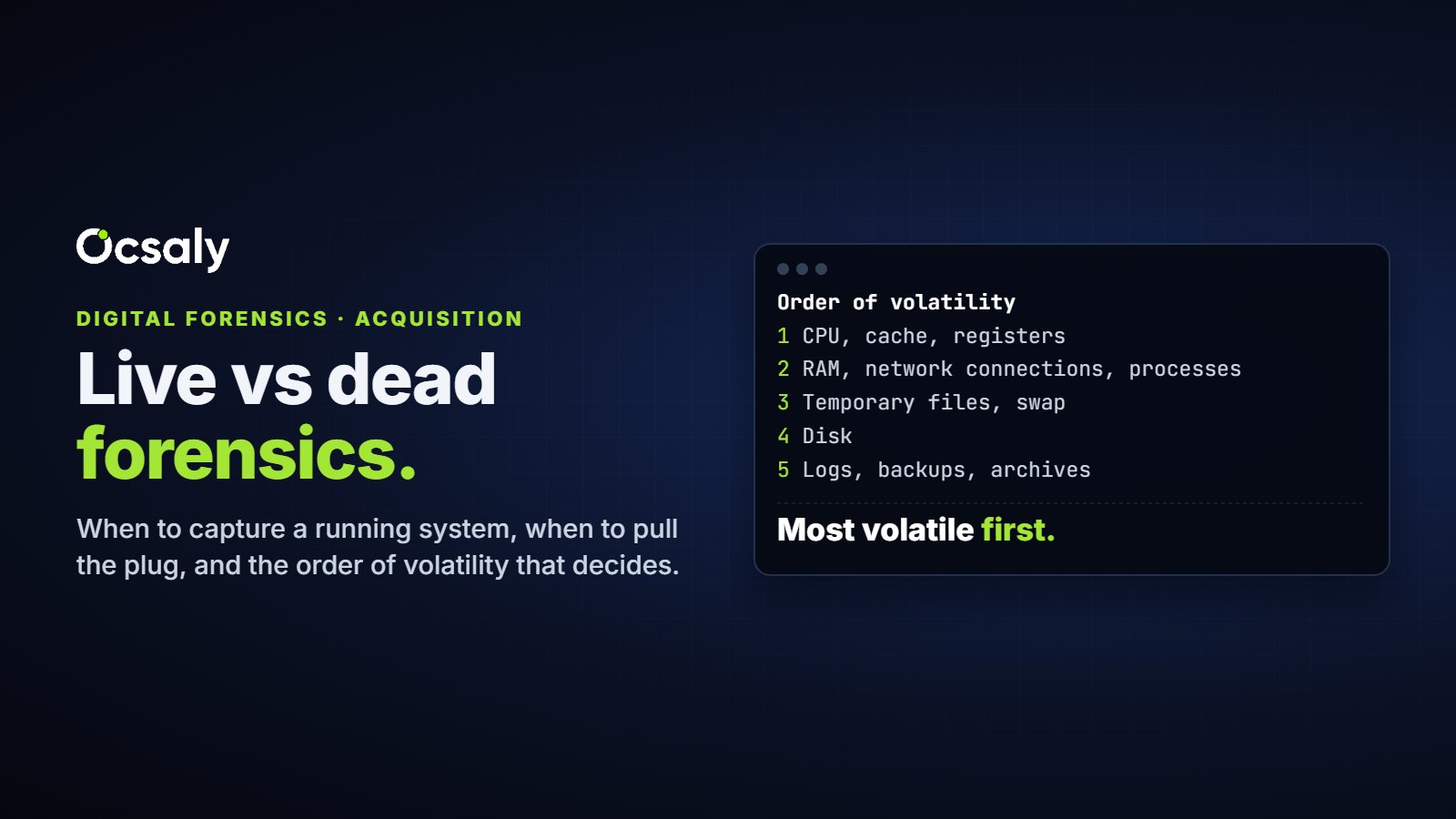
Live vs dead forensics: order of volatility and acquisition methods
Live vs dead forensics compared: what live acquisition captures, the order of volatility, memory and disk tools, and how to choose the right approach.
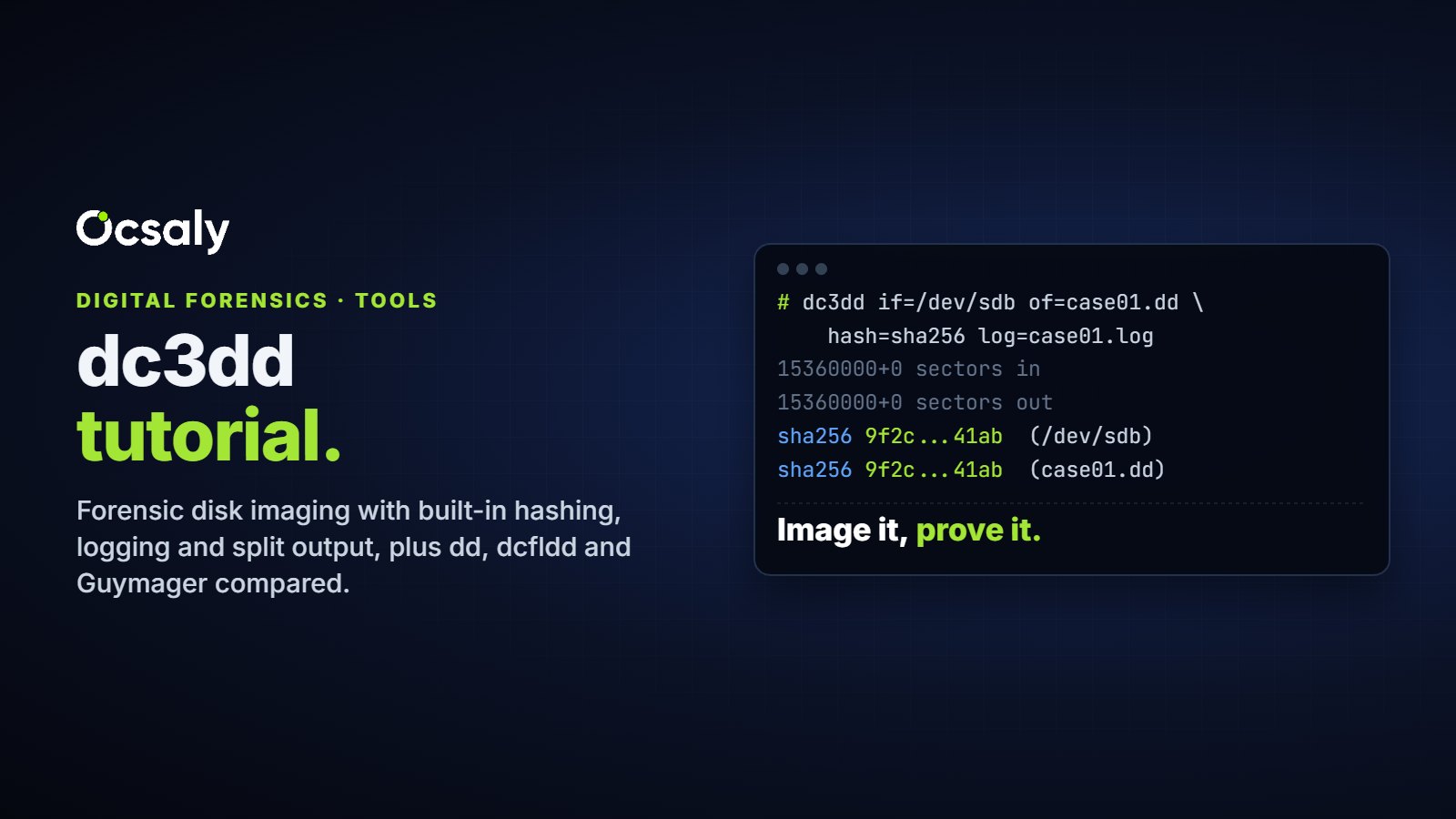
dc3dd forensic disk imaging with SHA-256 hashing and log
How to use dc3dd for forensic disk imaging: hashing while imaging, logs, split images, verification and wiping, and how it compares with dd and Guymager.
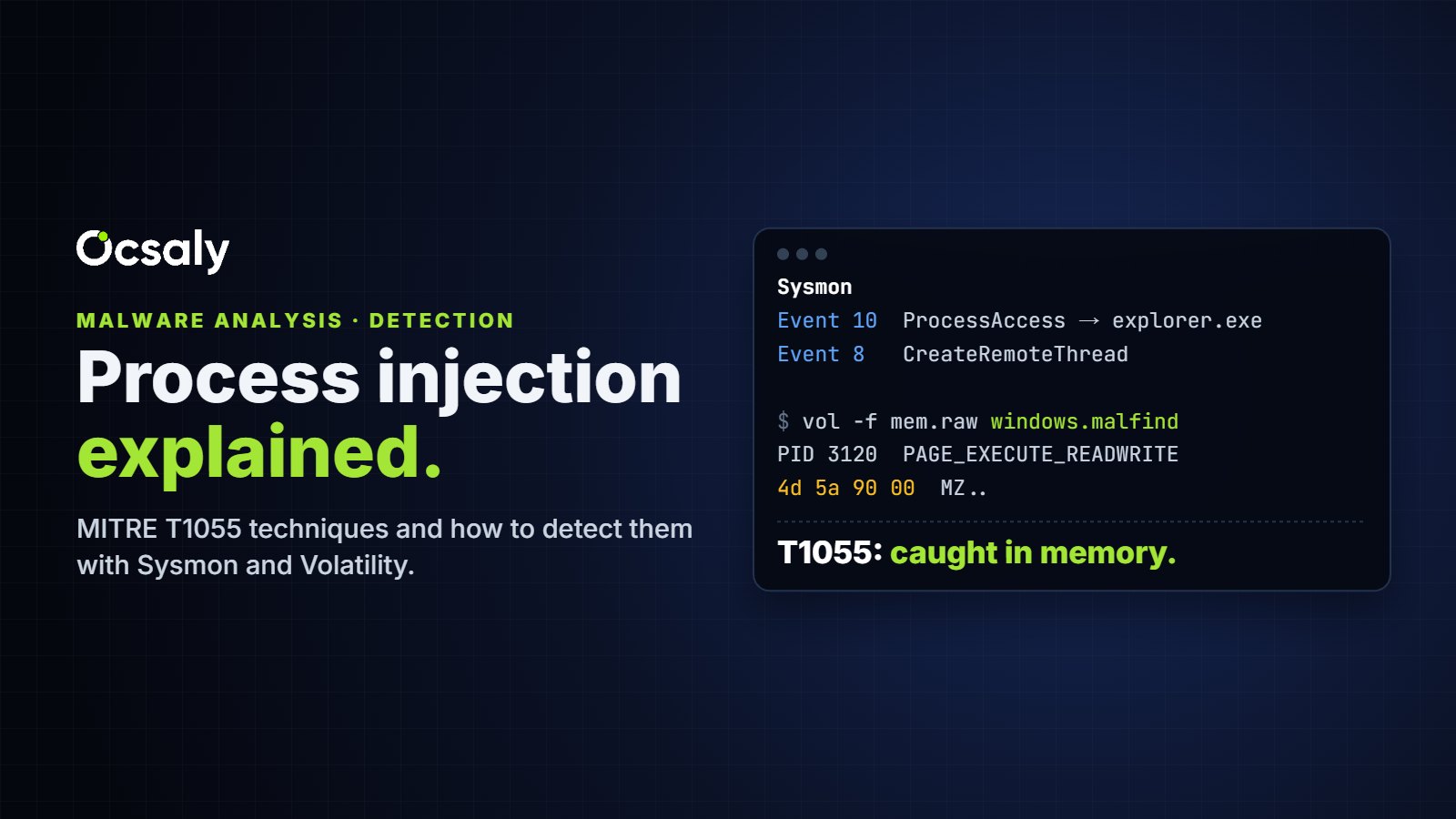
Process Injection Explained: Techniques, MITRE T1055 and How to Detect It
What process injection is, why malware uses it, the main MITRE ATT&CK T1055 techniques such as DLL injection, APC injection and process hollowing, and how to detect them with Sysmon, EDR and Volatility.
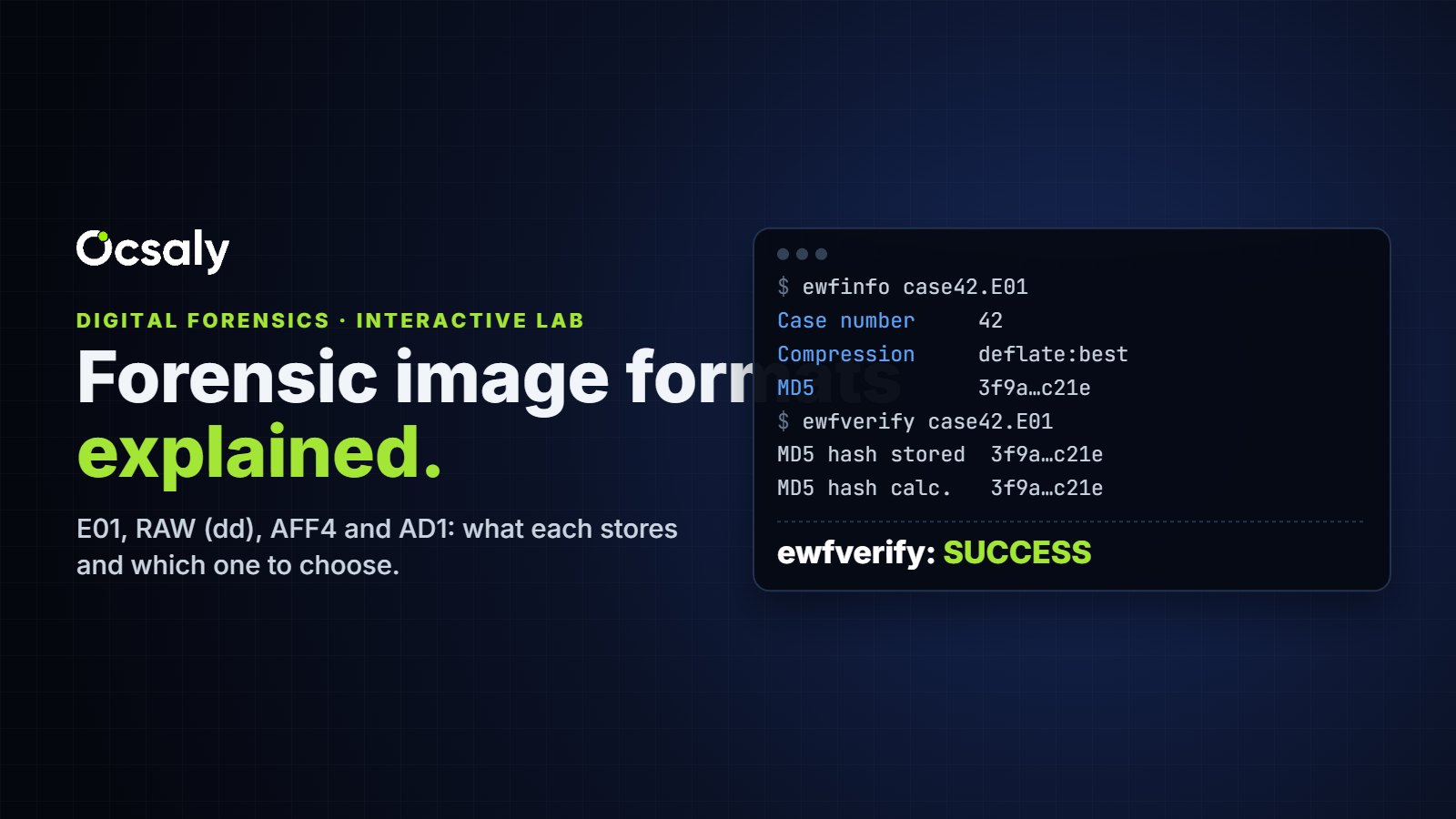
Forensic Image Formats Explained: E01 vs RAW (dd) vs AFF4 vs AD1
E01, RAW (dd), AFF4 and AD1 compared: what each forensic image format stores, how hashing and compression work, which tools read them, and how to convert E01 to raw.
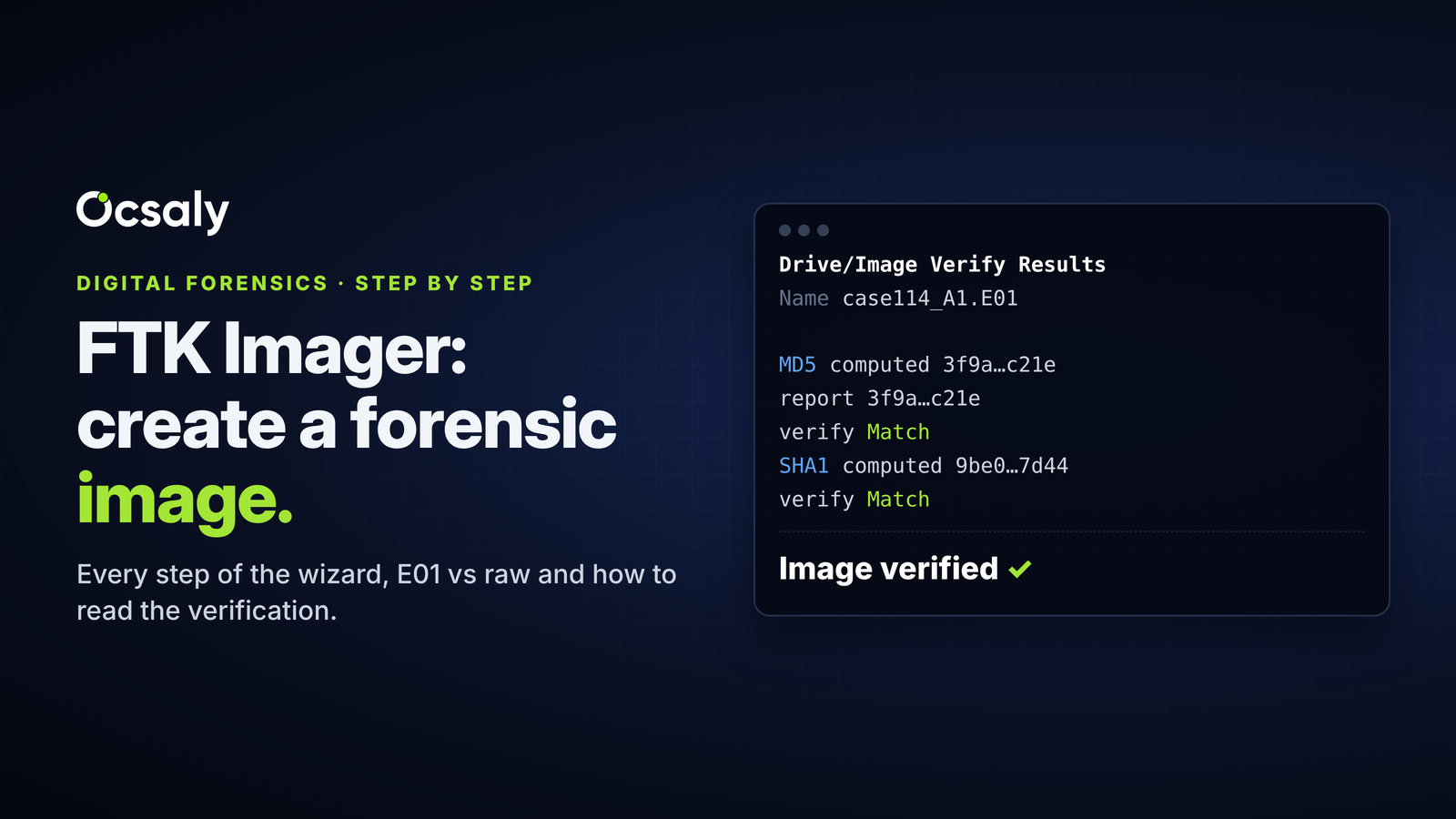
FTK Imager verify results showing matching MD5 and SHA1 hashes
Step-by-step guide to creating and verifying a forensic disk image with FTK Imager, choosing E01 or raw format, and capturing RAM.
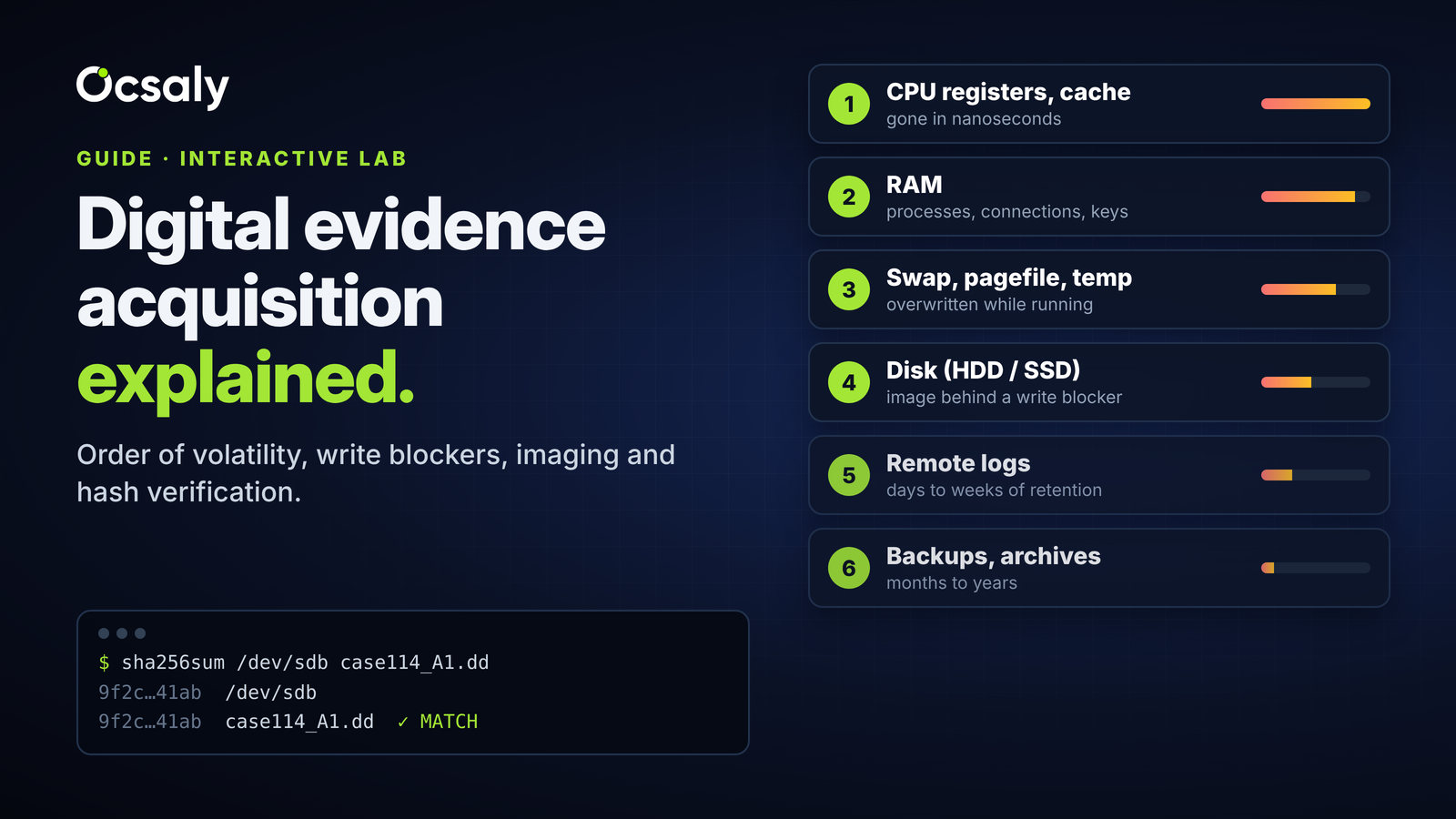
Digital evidence acquisition explained: order of volatility, write blockers, imaging and hash verification
How investigators acquire digital evidence: the order of volatility, live vs dead acquisition, write blockers, forensic imaging and hash verification, with two interactive labs.