Digital evidence acquisition is the process of collecting data from a computer, phone or storage device so that it can be analysed and, if needed, presented in court. Good acquisition follows three rules: collect the most volatile evidence first, never work on the original device, and prove with hash values that nothing changed between collection and analysis.
This guide walks through the full process an investigator follows: the order of volatility, live versus dead acquisition, write blockers, forensic imaging and hash verification. Start with the two interactive labs, then use the sections below as a reference. Only acquire data from devices you own or are legally authorised to examine.
Interactive evidence acquisition lab
In Lab 1, decide what to collect first from a running computer and see what you lose when you get the order wrong. In Lab 2, take an acquisition hash, change a single character and watch the verification fail.
The order of volatility (RFC 3227)
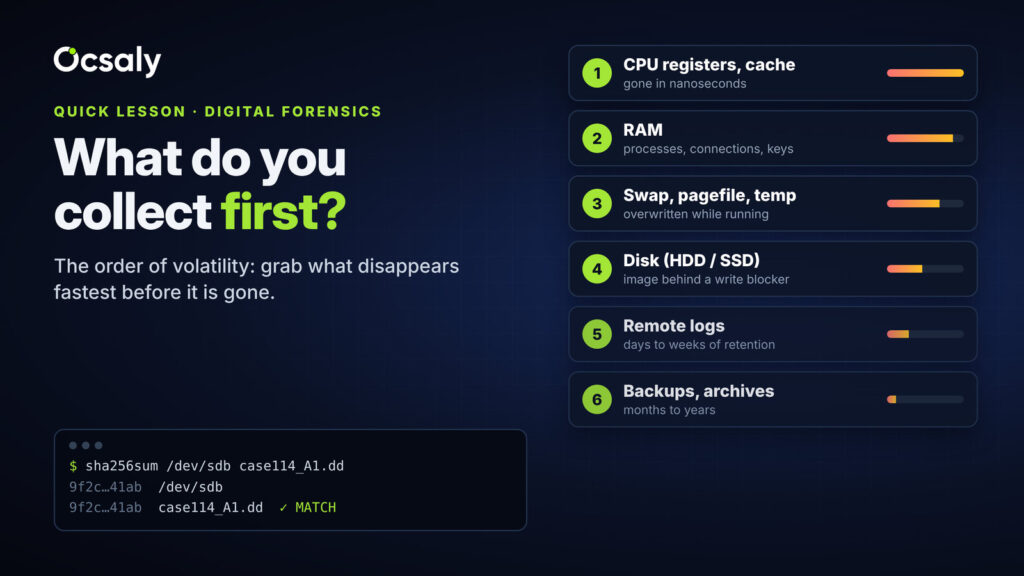
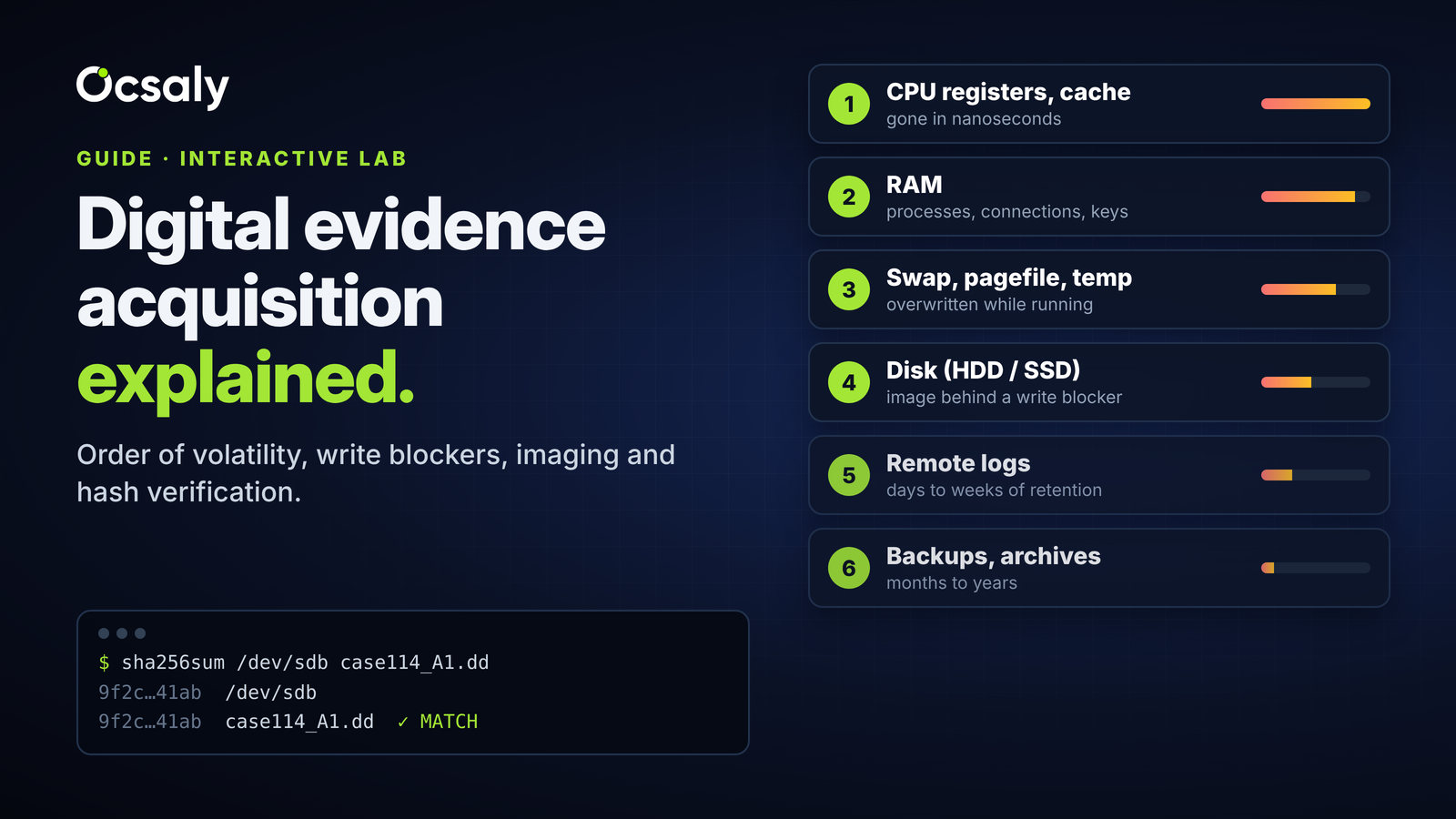
The order of volatility ranks evidence by how quickly it disappears. It comes from RFC 3227, Guidelines for Evidence Collection and Archiving, and is still the standard answer to the question "what do I collect first?"
| Order | Evidence | How long it lasts | Typical sources |
|---|---|---|---|
| 1 | CPU registers and cache | Nanoseconds | Captured indirectly through a memory dump |
| 2 | Memory (RAM) | Until power-off | Running processes, network connections, ARP and routing tables, logged-in users, encryption keys |
| 3 | Temporary file systems | Changes while the system runs | pagefile.sys, hiberfil.sys, swap, /tmp and temp folders |
| 4 | Disk | Survives power-off | HDD, SSD, USB drives, memory cards |
| 5 | Remote logging and monitoring data | Days to weeks (retention) | Firewall, proxy, SIEM, EDR and cloud logs |
| 6 | Physical configuration and network topology | Until someone changes it | Cabling, connected devices, photos of the scene |
| 7 | Archival media | Months to years | Backups, tapes, offline drives, DVDs |
In practice this means: photograph the scene, capture RAM while the machine is still running, then image the disk, and send preservation requests for remote logs before their retention period runs out. Every action you take on a live system changes it a little, so write down what you ran and when.
Live vs dead (post-mortem) acquisition
A live acquisition collects data from a system that is running. A dead or post-mortem acquisition collects data from a system that is switched off, usually by removing the disk and imaging it behind a write blocker.
| Live acquisition | Dead acquisition | |
|---|---|---|
| What you get | RAM, running processes, network connections, unlocked encrypted volumes, plus the disk | Everything on the disk, but nothing that lived only in memory |
| Changes to the evidence | Small but unavoidable: your tool runs on the suspect system | None, if you use a write blocker |
| When to use it | System is on, disk is encrypted, malware or an active intrusion is suspected, servers that cannot be shut down | System is already off, or the disk is not encrypted and memory is not relevant |
| Main risk | Malware or anti-forensic tools reacting to you | Losing volatile evidence and encryption keys forever |
Found a computer switched on? Do not shut it down out of habit. If BitLocker, FileVault or VeraCrypt is in use, the decryption keys are in RAM and the data is readable right now. Switching it off can lock you out for good. Capture memory first, consider a logical image of the unlocked volume, then decide how to power it down. If it is switched off, leave it off.
Phones are a special case: keep them powered, isolate them from the network in a Faraday bag or with airplane mode so they cannot be wiped remotely, and acquire them with mobile forensic tools.
Memory acquisition: capturing RAM
Run memory acquisition tools from your own external drive, never install them on the suspect system, and save the dump to that external drive, not to the suspect disk.
| System | Common tools |
|---|---|
| Windows | WinPmem, Magnet RAM Capture, DumpIt, FTK Imager (Capture Memory) |
| Linux | LiME (kernel module), AVML |
| Analysis | Volatility 3, to list processes, network connections, injected code and more |
Hash the memory dump as soon as it is written. RAM cannot be captured twice in the same state, so the first hash is the one that counts. For a deeper look at what you can find in a dump, see RAM acquisition with DumpIt and what to touch first at a crime scene.
Write blockers: hardware vs software
A write blocker lets your forensic workstation read a disk while blocking every write to it. Without one, simply connecting a drive can change it: operating systems update timestamps, mount file systems and write small metadata files automatically.
| Hardware write blocker | Software write blocker | |
|---|---|---|
| How it works | A device between the evidence disk and your computer that only passes read commands | Settings or tools that make the operating system treat the disk as read-only |
| Reliability | Highest, independent of the operating system | Depends on the operating system and configuration |
| Cost | Hundreds of dollars per unit | Free |
| Examples | Tableau, WiebeTech, CRU | Linux blockdev --setro, Windows WriteProtect registry policy, forensic boot distributions |
For casework, use a tested hardware write blocker and note its model and serial number in your report. Software blocking is fine for training and as a backup when no hardware is available. Always verify that the blocker works before you connect the evidence.
Forensic imaging: making a bit-for-bit copy
A forensic image is an exact, bit-for-bit copy of a whole storage device, including deleted files, unallocated space and slack space. Copying files with Explorer or cp is not enough: it misses deleted data and changes metadata.
| Format | What it is | Good to know |
|---|---|---|
| Raw (dd, .img, .001) | A plain sector-by-sector copy | Opens in every tool, but no compression and no built-in case notes |
| E01 (Expert Witness Format) | The EnCase evidence format | Compression, case metadata and hashes stored inside the file. The most common format in casework |
| AFF4 | Advanced Forensic Format | Open format built for very large and multi-device acquisitions |
Typical tools are FTK Imager (Windows, free), Guymager (Linux, free), ewfacquire from libewf, and dc3dd, a forensic version of dd. On Linux, identify the evidence disk first. Mixing up the input and output device overwrites the evidence:
# 1. Identify the evidence disk (here /dev/sdb) and the destination drive
lsblk -o NAME,SIZE,MODEL,SERIAL

# 2. Image with dc3dd and calculate SHA-256 while copying
sudo dc3dd if=/dev/sdb of=/mnt/dest/case114_A1.dd hash=sha256 log=/mnt/dest/case114_A1.log

# 3. Verify: both hashes must be identical
sudo sha256sum /dev/sdb /mnt/dest/case114_A1.dd
If only dd is available, use dd if=/dev/sdb of=/mnt/dest/disk.dd bs=4M conv=noerror,sync status=progress. The noerror,sync option keeps going past unreadable sectors and fills them with zeros, which you must mention in your notes.
SSDs need extra care. Once powered, an SSD can erase blocks that the operating system marked as deleted (TRIM and garbage collection), even behind a write blocker. Image SSDs as soon as possible and hash immediately.
Hash verification: proving nothing changed
A cryptographic hash is a fixed-length fingerprint of data. The same input always produces the same hash, and changing a single bit produces a completely different one, as you saw in Lab 2. Investigators hash the original device and the image at acquisition, then hash the image again before and after analysis. Matching values show the evidence is unchanged.
| Algorithm | Output length | Status in forensics |
|---|---|---|
| MD5 | 128 bits (32 hex characters) | Collisions are practical. Still recorded for compatibility, never on its own |
| SHA-1 | 160 bits (40 hex characters) | Collisions demonstrated in 2017. Often recorded together with MD5 |
| SHA-256 | 256 bits (64 hex characters) | Recommended today |
To check a hash yourself:
# Windows PowerShell
Get-FileHash .\case114_A1.E01 -Algorithm SHA256

# Windows command prompt
certutil -hashfile case114_A1.E01 SHA256

# Linux and macOS
sha256sum case114_A1.dd
shasum -a 256 case114_A1.dd
For the maths behind it, read digital hashing, the DNA of data.
Chain of custody: what to record
The chain of custody is the written record of who handled the evidence, when, where and why, from seizure to court. A gap in it can make perfectly good evidence unusable. For every exhibit, record:
- Identification: case number, exhibit number, make, model and serial number.
- Seizure: date, time, location, who seized it, and photos of the device and its connections.
- State: powered on or off, what was on the screen, what you did to it.
- Acquisition: tools and versions, write blocker used, image format, start and end time, hash values.
- Every transfer: who handed it to whom, when, and why, with signatures.
- Storage: sealed evidence bag number and where it was kept.
Common evidence acquisition mistakes
- Shutting down a running, encrypted computer before capturing memory.
- "Just having a quick look" at files on the suspect system, which changes access times and can trigger malware.
- Imaging to a dirty destination drive. Wipe and verify destination media first, so old data cannot mix with the evidence.
- Forgetting to hash, or hashing only the image and not the source.
- Not documenting as you go. If it is not written down, it did not happen.
Frequently asked questions
What is the order of volatility in digital forensics?
The order of volatility ranks evidence by how fast it disappears, so investigators collect the most fragile data first. According to RFC 3227 the order is: CPU registers and cache, memory (RAM), temporary file systems, disk, remote logging and monitoring data, physical configuration and network topology, and archival media.
What is the difference between live and dead acquisition?
Live acquisition collects data from a running system, including RAM, running processes, network connections and unlocked encrypted volumes, but it changes the system slightly. Dead or post-mortem acquisition images the storage of a powered-off system behind a write blocker, which changes nothing but loses everything that existed only in memory.
Why do forensic investigators hash evidence?
A hash is a unique fingerprint of the data. By hashing the original and the image at acquisition and again later, investigators can prove that the evidence analysed and presented in court is exactly the evidence that was collected. Changing even one bit produces a completely different hash.
Is MD5 still acceptable in digital forensics?
MD5 and SHA-1 are still widely recorded for compatibility with older tools and reports, but practical collisions exist for both. Current best practice is to use SHA-256, often alongside MD5 or SHA-1, rather than relying on MD5 alone.
Do I need a hardware write blocker?
For real casework, a tested hardware write blocker is the safest choice because it works independently of the operating system. Software write blocking is acceptable for training and as a fallback, as long as you verify it before connecting evidence and document it.
What is the difference between an E01 image and a raw dd image?
A raw dd image is a plain sector-by-sector copy that every tool can read. An E01 (Expert Witness Format) image stores the same data with compression, case metadata and embedded hash values, which makes it smaller and easier to manage in casework.
Hands-on next step: follow how to create a forensic image with FTK Imager, a step-by-step guide to every screen of the wizard and the hash verification results.
Where to go next
This guide covers the acquisition process from start to finish. How HDDs, SSDs, USB and EEPROM storage work physically, creating bootable forensic media, FTK Imager, the Linux file system for investigators and memory analysis with Volatility are covered lesson by lesson in Digital Evidence Acquisition and Physical Media Architecture.