On this page
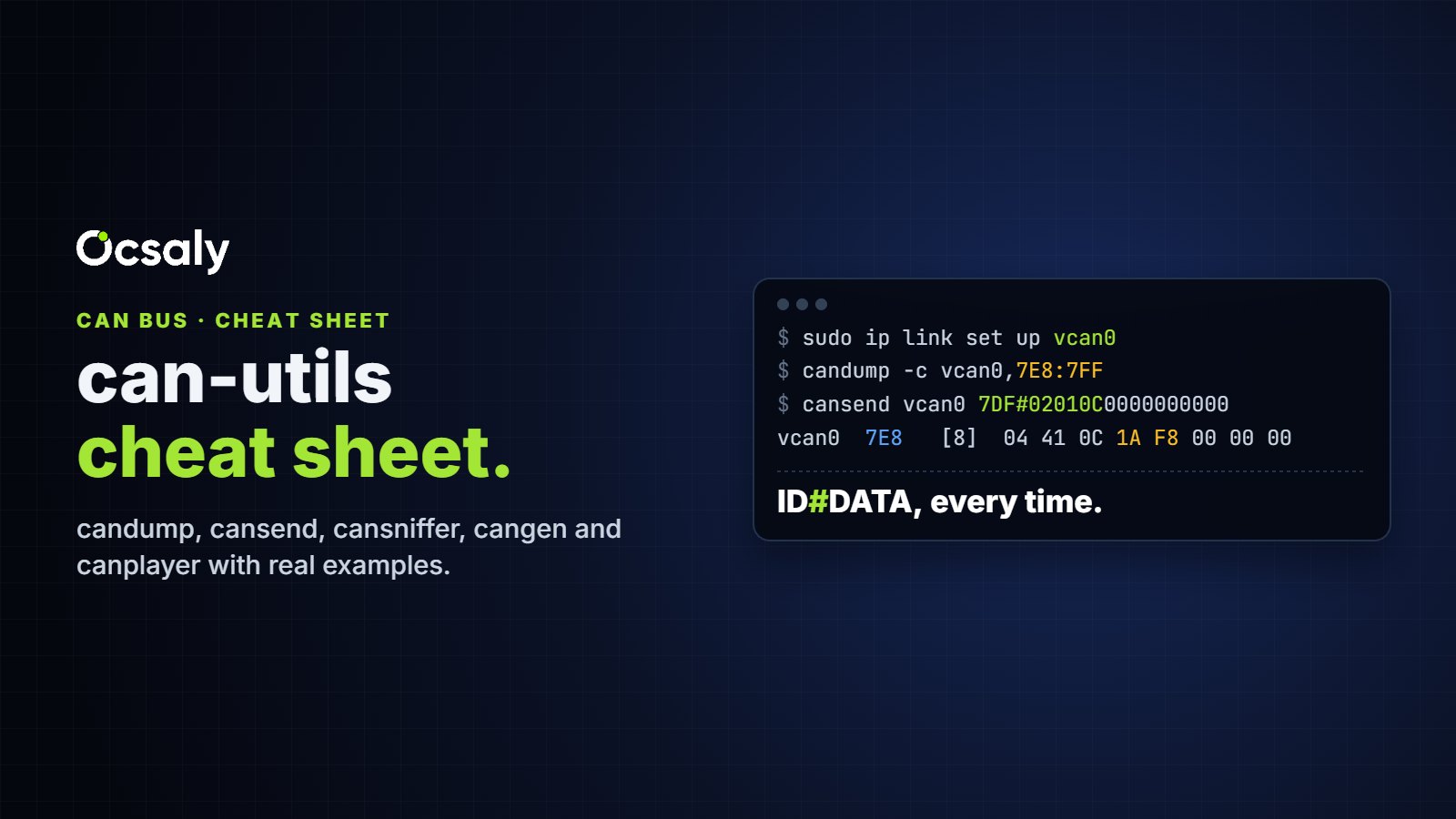
can-utils is the standard set of Linux command-line tools for the CAN bus. The five you will use most are candump (watch and log traffic), cansend (send one frame, written as ID#DATA, for example cansend can0 123#DEADBEEF), cansniffer (show only the bytes that change), cangen (generate test traffic) and canplayer (replay a log). They work with real adapters through SocketCAN and with a virtual bus (vcan0) when you have no car or adapter at all.
This cheat sheet lists the commands with real examples. Use the frame builder in the lab to turn an ID and data bytes into the right cansend and candump commands.
Install and bring up an interface
# Debian, Ubuntu, Kali, Raspberry Pi OS
sudo apt install can-utils

# Virtual CAN bus for practice (no hardware)
sudo modprobe vcan
sudo ip link add dev vcan0 type vcan
sudo ip link set up vcan0

# Real SocketCAN adapter (CANable with candleLight, PiCAN, PEAK, Kvaser...)
sudo ip link set can0 type can bitrate 500000
sudo ip link set up can0

# Serial-line adapter (slcan firmware); -s6 = 500 kbit/s
sudo slcand -o -c -s6 /dev/ttyACM0 slcan0
sudo ip link set up slcan0

# Check the interface and its error counters
ip -details -statistics link show can0
Most cars use 500 kbit/s on the powertrain CAN bus and the OBD-II port. Body and comfort buses are often 125 kbit/s. A wrong bit rate shows up as error frames or nothing at all.
The slcand speed codes: -s0 10k, -s1 20k, -s2 50k, -s3 100k, -s4 125k, -s5 250k, -s6 500k, -s7 800k, -s8 1M.
candump: watch and log traffic
| Command | What it does |
|---|---|
candump can0 | Print every frame on can0 |
candump any | Print frames from all CAN interfaces |
candump -c can0 | Colour each ID differently |
candump -ta can0 | Absolute timestamps (-td delta between frames, -tz from start) |
candump -a can0 | Also show data bytes as ASCII |
candump -l can0 | Log to a file named candump-DATE_TIME.log |
candump -L can0 | Print in log-file format to the screen (for piping) |
candump can0,7E8:7FF | Only ID 0x7E8 |
candump can0,700:700 | Only IDs 0x700 to 0x7FF (filter is ID:mask) |
candump can0,123:7FF,456:7FF | IDs 0x123 and 0x456 |
candump can0,123~7FF | Everything except 0x123 |
candump -n 50 can0 | Stop after 50 frames |
A filter ID:mask passes a frame when the bits that are 1 in the mask match. 7FF means “all 11 bits must match”, so it selects one exact standard ID.
cansend: send one frame
cansend can0 123#DEADBEEF            # standard 11-bit ID 0x123, 4 data bytes
cansend can0 7DF#02010C0000000000    # OBD-II request: engine RPM (mode 01, PID 0C)
cansend can0 1F334455#1122334455667788   # extended 29-bit ID (8 hex digits)
cansend can0 123#R                   # remote frame
cansend can0 123##1112233            # CAN FD frame (## then flags, then data)
cansend can0 123#11.22.33.44         # dots are allowed for readability
The ID is hexadecimal: up to 3 digits for a standard ID (max 7FF) and exactly 8 digits for an extended ID. Data is up to 8 bytes for classic CAN, written as pairs of hex digits.
For the RPM request above, the engine answers on 0x7E8 with something like 04 41 0C 1A F8. RPM = (0x1A × 256 + 0xF8) / 4 = 1726 rpm. The full list of PIDs and formulas is in OBD-II PIDs Explained.
cansniffer: find the bytes that change
cansniffer -c can0          # colour changed bytes
cansniffer -c -t 0 can0     # never hide IDs that stop changing
cansniffer shows one line per ID and highlights only the bytes that change. Press a button in the car (a window switch, the indicator) and watch which ID lights up. That is usually the fastest way to find a signal. Wait a few seconds before you press anything, so the bytes that change on their own (counters, checksums) have already been shown and you can tell them apart from your signal.
cangen: generate test traffic
cangen vcan0                          # random IDs, lengths and data
cangen vcan0 -g 10 -I 7DF -L 8 -D r    # every 10 ms, ID 0x7DF, 8 random bytes
cangen vcan0 -I 244 -L 8 -D i -g 100   # incrementing data on ID 0x244
Use cangen on vcan0 to test your scripts and filters. Do not run random traffic on a real car: random frames can trigger warnings, unlock functions or put modules into unexpected states.
Log and replay: canplayer, log2asc, asc2log
candump -l can0                              # record
canplayer -I candump-2026-01-10_101500.log   # replay on the interface in the log
canplayer vcan0=can0 -I capture.log          # replay a can0 log onto vcan0
canplayer -l i -I capture.log                # loop forever
log2asc -I capture.log -O capture.asc can0   # convert to Vector ASC
Replaying a recorded action, then cutting the log in half again and again until one frame is left, is a classic way to find which frame unlocks a door or moves a gauge. Do this on a test bench or a simulator such as ICSim, not while driving.
Diagnostics: ISO-TP and bus load
isotpdump -s 7E0 -d 7E8 -c -a can0    # decode a diagnostic conversation
echo "10 03" | isotpsend -s 7E0 -d 7E8 can0   # UDS: start extended session
isotprecv -s 7E0 -d 7E8 -l can0       # print the ECU's answers
canbusload can0@500000 -r -t -b       # bus load in percent, per interface
ISO-TP (ISO 15765-2) carries messages longer than 8 bytes, such as UDS diagnostic requests and answers, by splitting them across several frames. The isotp tools need the can-isotp kernel module, which is part of Linux since kernel 5.10.
Interactive lab: CAN frame and filter builder
Related guides: J2534 pass-thru explained, analyzing CAN packets with Wireshark.
Frequently asked questions
What is can-utils?
can-utils is a collection of open-source Linux command-line tools for the CAN bus, maintained as part of the SocketCAN project. It includes candump, cansend, cansniffer, cangen, canplayer, the isotp tools and more.
How do I set up vcan0?
Run sudo modprobe vcan, then sudo ip link add dev vcan0 type vcan and sudo ip link set up vcan0. vcan0 then works like a real CAN interface with every can-utils command.
What is the cansend format?
cansend interface ID#DATA, for example cansend can0 123#DEADBEEF. The ID is hexadecimal (3 digits standard, 8 digits extended) and the data is up to 8 bytes in hexadecimal. ID#R sends a remote frame and ID##flagsDATA sends a CAN FD frame.
Why does candump show nothing?
The usual causes are a wrong bit rate, an interface that is not up, CAN high and CAN low swapped, or connecting to a bus that is silent while the ignition is off. Check ip -details -statistics link show can0 for errors and try 500000 and 125000.
Is it safe to use cansend on my car?
Reading with candump is passive and safe. Sending frames can change what modules do. Practise on vcan0 or a bench, never send while driving, and only work on vehicles you own or have permission to test.
Where to go next
The commands are the easy part. Finding real signals, decoding them and building a test bench are taught step by step in CAN Bus Hacking. For background, read CAN Bus Explained, and for a $10 fuzzer you can build yourself see DIY CAN Bus Fuzzer.
Related diagnostic guides