On this page
ICSim (Instrument Cluster Simulator) is a free program by Craig Smith of Open Garages that shows a car dashboard (speedometer, turn signals and door locks) and a controller window that sends the matching CAN messages on a virtual bus. It lets you practise the real car-hacking workflow on a laptop: sniff the traffic with candump and cansniffer, find the frame that moves the speedometer or unlocks a door, decode its bytes and inject your own frame with cansend. No car, no adapter and no risk.
This tutorial installs ICSim on Ubuntu, Debian or Kali, then walks through finding each signal. Start with the default build to learn the steps, then switch on randomisation so the IDs are a real puzzle.
What you need
- A Linux machine or virtual machine (Ubuntu, Debian, Kali or Raspberry Pi OS)
- can-utils, git and the SDL2 libraries
- Ten minutes
Install ICSim
sudo apt update
sudo apt install git can-utils libsdl2-dev libsdl2-image-dev meson ninja-build build-essential

git clone https://github.com/zombieCraig/ICSim.git
cd ICSim
meson setup builddir
cd builddir
meson compile
The build creates two programs, icsim (the dashboard) and controls (the driver’s input). Older copies of the repository build with make in the main folder instead.
Create the virtual CAN bus
sudo modprobe can
sudo modprobe vcan
sudo ip link add dev vcan0 type vcan
sudo ip link set up vcan0
The repository also has a setup_vcan.sh script that runs the same commands. vcan0 behaves like a real CAN interface: every can-utils command works on it.
Start the simulator
Open two terminals in the folder that contains the programs:
./icsim vcan0       # terminal 1: the dashboard
./controls vcan0    # terminal 2: the controller window
Click the controls window so it has keyboard focus. The usual keys are:
| Key | Action |
|---|---|
| Up arrow | Accelerate (release to slow down) |
| Left / right arrow | Left / right turn signal |
| Right Shift + A, B, X or Y | Unlock one door |
| Left Shift + A, B, X or Y | Lock one door |
An Xbox-style game controller also works. If a key does not respond, check the README of your ICSim version.
Step 1: Watch the traffic
Open a third terminal:
candump -c vcan0Even when you touch nothing, frames keep scrolling: real cars send most messages periodically, and ICSim imitates that. The noise is the point. Your job is to find the few frames that matter.
Step 2: Find the signal with cansniffer
cansniffer -c vcan0cansniffer shows one line per ID and colours the bytes that change. Wait a few seconds, then hold the up arrow in the controls window. One ID will start changing in step with the speedometer. Release the key and watch the same bytes fall. Do the same with a turn signal and with a door: each action lights up its own ID.
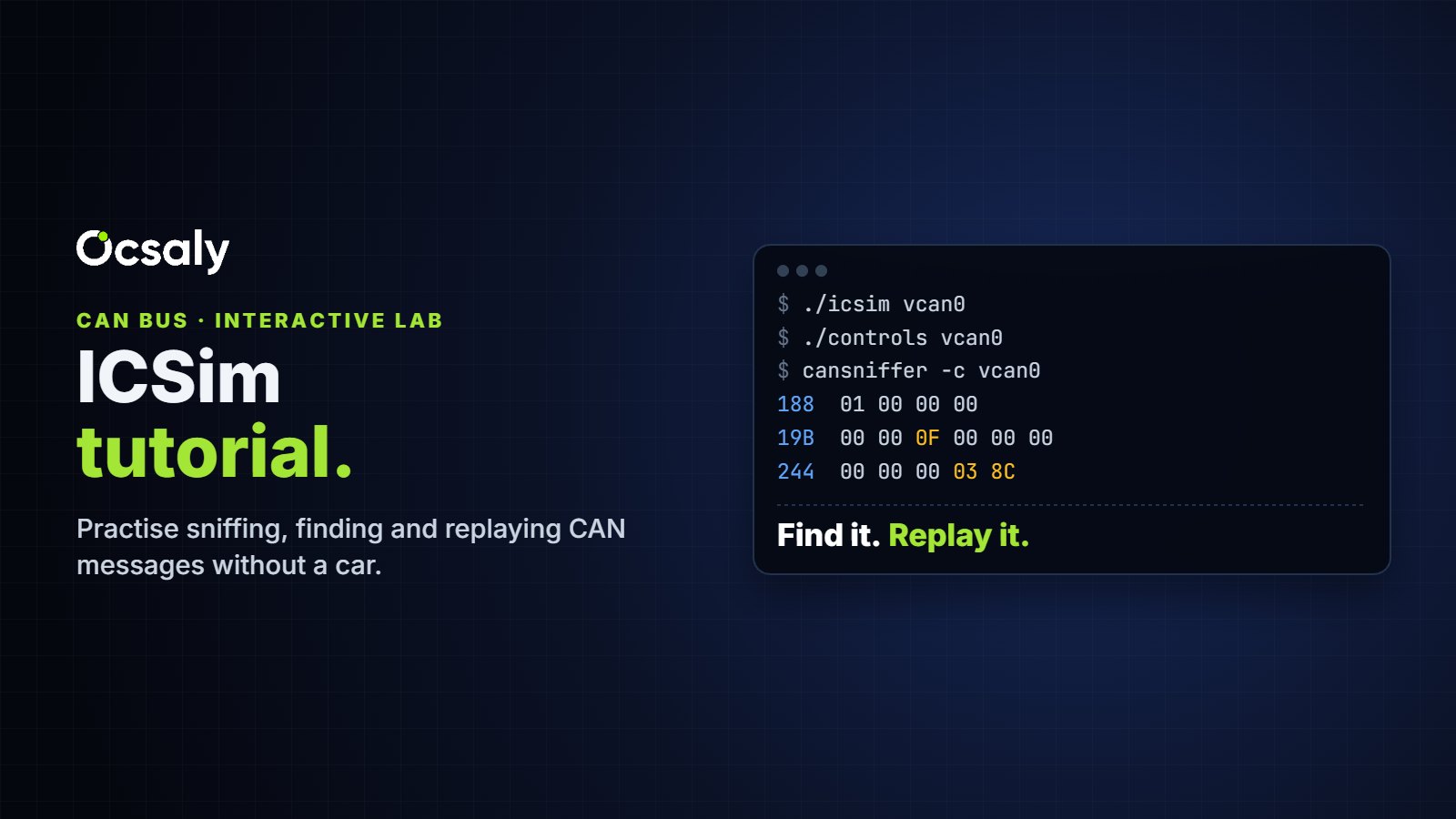
Write down, for each function, the ID and which byte positions change. In the default, non-randomised build these are often 0x244 for speed, 0x188 for the turn signals and 0x19B for the doors, but treat that as a hint, not an answer, and confirm it yourself.
Step 3: Record and replay to prove it
Recording an action and replaying it is how you prove that you found the right frame, and how you find it when cansniffer is not enough.
candump -l vcan0               # start recording, then unlock all doors, then Ctrl+C
canplayer -I candump-*.log     # replay: the doors unlock again
If the replay works, the unlock frame is somewhere in the log. Split the file in half, replay each half, keep the half that still unlocks the doors, and repeat. After a few rounds one frame is left. This “binary search” works on real cars too, where cansniffer can be overwhelmed by hundreds of IDs.
Step 4: Inject your own frames
Once you know the ID and the bytes, send your own frame:
cansend vcan0 <ID>#<DATA>Copy the data from a frame you saw in candump and change only the byte you identified, for example the door byte. The dashboard should react at once.
Notice that some changes only flash for a moment: the controls program keeps sending its own frames and overwrites yours. Real cars behave the same way, which is why attacks on a live bus often send faster than the original sender or take that module off the bus.
Step 5: Make it harder with randomisation
canplayer -I ../sample-can.log      # optional: background traffic from a real car
./icsim -r vcan0                    # prints a seed, IDs and byte positions are random
./controls -s <seed> vcan0          # use the same seed
./controls -s <seed> -l 2 vcan0     # level 2: target data shares IDs with other data
Now the IDs and byte positions are different every time, so you have to discover them with the method above. This is the closest thing to a real car you can get without a car.
From ICSim to a real car
The workflow does not change on a real vehicle: connect a CAN adapter to the OBD-II port or directly to a bus, bring up can0 at the right bit rate (usually 500 kbit/s), sniff, find, record, replay. The differences are more traffic, checksums and counters in many frames, and gateways that block some messages at the OBD-II port. Read only, never send while driving, and work only on vehicles you own or have permission to test.
Interactive lab: find the door frame
| ID | Data (changed bytes highlighted) |
|---|
Frequently asked questions
What is ICSim?
ICSim is the Instrument Cluster Simulator from Open Garages, written by Craig Smith. It simulates a dashboard and its controls on a virtual CAN bus so you can practise sniffing, decoding and injecting CAN messages without a car.
Does ICSim run on Kali Linux or in a virtual machine?
Yes. It needs Linux with the vcan kernel module, can-utils and SDL2. Kali, Ubuntu and Debian in VirtualBox or VMware work well.
Why does ICSim not react to my cansend frames?
Check that both programs use vcan0, that your ID and data are correct, and that you send the whole frame, not only the byte you changed. If the effect flashes and disappears, the controls program is overwriting your frame with its own periodic messages.
What does the -r option do in ICSim?
It randomises the arbitration IDs and byte positions and prints a seed. Start controls with -s and the same seed so both programs agree. Add -l 2 for a harder level.
Do I need a CAN adapter for ICSim?
No. ICSim runs entirely on the virtual vcan0 interface. You need an adapter only when you move to a real car or a test bench.
Where to go next
All the commands used here are in the can-utils cheat sheet. To see real decoded traffic in the browser, try the vehicle state visualisation lab. Building a bench with real modules, reading checksums and counters, and attacking a real CAN bus safely are taught in CAN Bus Hacking.