On this page
J2534 (SAE J2534) is a standard that defines how diagnostic and programming software on a PC talks to a vehicle through a pass-thru device. Before J2534, every carmaker required its own expensive interface. With J2534, one compliant device can be used with many manufacturers’ software to reprogram ECUs, run diagnostics and read data, because the software only talks to a standard programming interface (an API) and the device handles the vehicle protocols.
It was created so independent workshops could reprogram emissions-related modules with the same capability as dealers, and it is now the backbone of right-to-repair diagnostics, ECU flashing and a lot of automotive security research.
How J2534 works
There are three parts:
- The application: OEM software such as Toyota Techstream, Honda i-HDS, Ford FDRS or GM SPS2, or your own program.
- The J2534 DLL: a library supplied by the device maker that implements the standard API on Windows.
- The pass-thru device: the hardware between the laptop (USB, Wi-Fi or Ethernet) and the car’s OBD-II port.
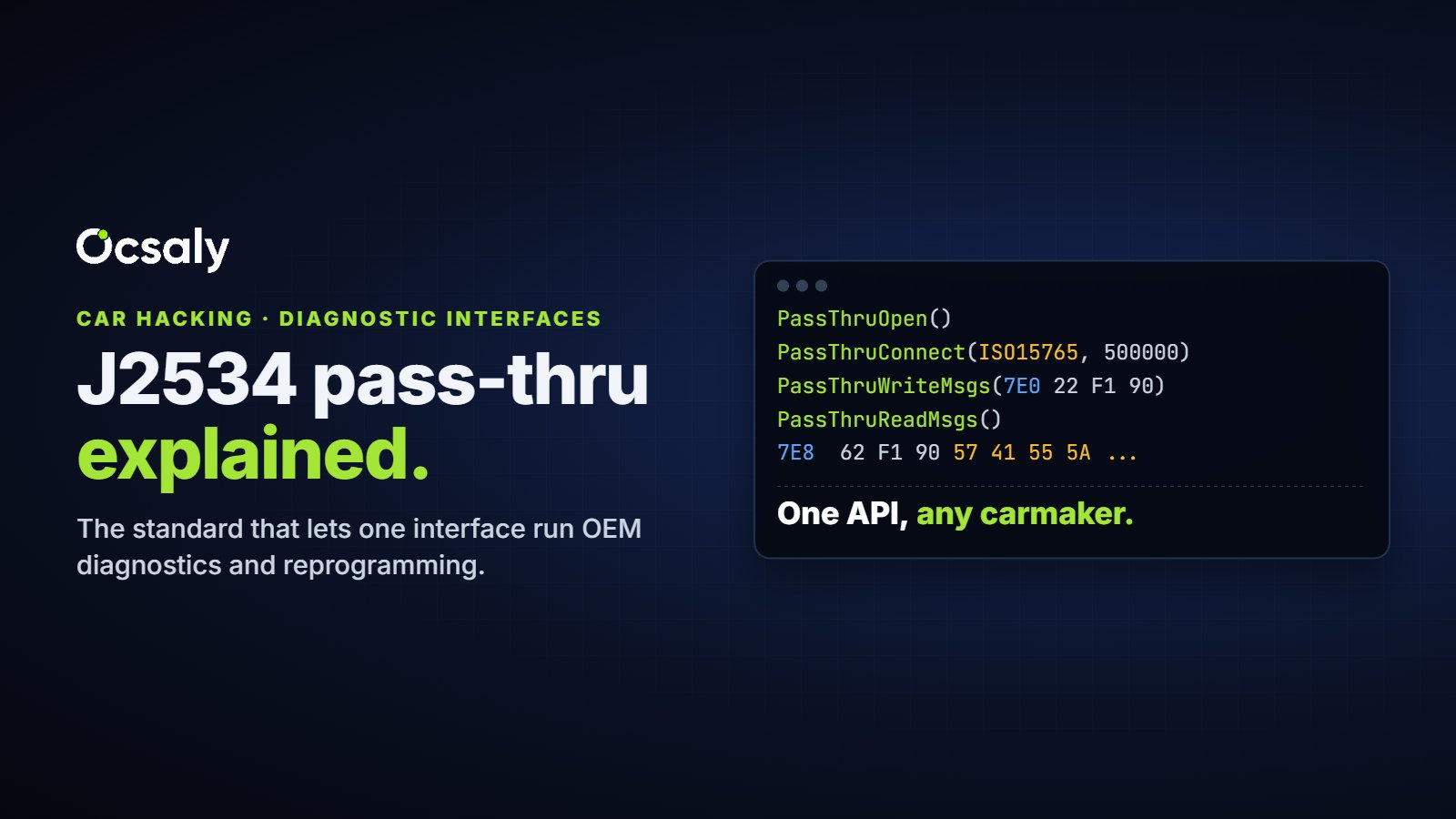
The application calls standard functions. The DLL and device turn those calls into real messages on the vehicle bus.
| API function | What it does |
|---|---|
| PassThruOpen | Open the device |
| PassThruConnect | Connect to a protocol (for example ISO 15765 at 500 kbit/s) |
| PassThruStartMsgFilter | Set which messages to receive (and flow control for ISO-TP) |
| PassThruWriteMsgs | Send messages to the vehicle |
| PassThruReadMsgs | Read messages from the vehicle |
| PassThruIoctl | Settings such as battery voltage reading and parameters |
| PassThruDisconnect / PassThruClose | Clean up |
Because the API is the same for every compliant device, a program written against J2534 works with any J2534 interface, at least for the protocols the device supports.
Supported protocols
| Protocol | Where it is used |
|---|---|
| CAN (ISO 11898) | Raw CAN frames on the bus |
| ISO 15765 (ISO-TP) | Diagnostic messages over CAN, used by UDS and OBD-II on modern cars |
| J1850 VPW and PWM | Older GM and Ford vehicles |
| ISO 9141 and ISO 14230 (KWP2000) | Older European and Asian vehicles (K-line) |
| J1939 | Heavy trucks (extension) |
| CAN FD and DoIP | Newer devices and the latest revisions, for current vehicles |
J2534-1 is the core standard. J2534-2 adds optional features such as extra protocols and pin switching. Newer revisions add support for CAN FD and diagnostics over Ethernet (DoIP), which many recent vehicles require.
Popular J2534 devices
| Device | Typical user | Notes |
|---|---|---|
| Drew Technologies Mongoose and CarDAQ | Workshops | Long-standing, widely supported by OEM software |
| Bosch, Autel and Snap-on pass-thru tools | Workshops | Often bundled with scan tools |
| Tactrix OpenPort 2.0 | Enthusiasts, tuners | Inexpensive, popular for ECU flashing and logging |
| VCX Nano and similar | Budget users | Quality and OEM compatibility vary |
Before buying, check that the device is validated for the OEM software you plan to use. Reprogramming with an interface that drops the connection can leave a module that does not start.
How J2534 is used in practice
- Dealer-level reprogramming: download a calibration update from the manufacturer’s service website and flash it with a J2534 device, often with a paid short-term subscription.
- Diagnostics with OEM software: Techstream and similar programs run through J2534 to access all modules.
- ECU tuning and logging: tools for reading and writing ECU calibrations often use a J2534 device such as the OpenPort.
- Research and development: engineers write their own programs against the J2534 API to send UDS requests, log CAN traffic or test modules on a bench.
J2534 for security research
For automotive security work, J2534 gives you a standard way to send diagnostic requests and read responses on real vehicles and bench ECUs. Typical tasks:
- Send UDS requests over ISO-TP, such as reading the ECU identification (service 0x22) or the diagnostic session (0x10)
- Observe how a module answers security access (0x27) and which sessions it allows
- Log raw CAN traffic for later analysis
The same work can be done on Linux with SocketCAN and a CAN adapter. J2534 is mainly a Windows standard, so many researchers use Linux tools for analysis and a J2534 device when they need OEM software. Only test vehicles and modules you own or have permission to work on.
Frequently asked questions
What does J2534 mean?
It is the SAE standard J2534, which defines a common programming interface and hardware requirements for pass-thru devices that connect a PC to a vehicle for diagnostics and reprogramming.
Is a J2534 device the same as an OBD-II scanner?
No. A scanner is a complete tool with its own software. A J2534 device is an interface that lets software on your PC, usually OEM software, talk to the vehicle.
Can I use any J2534 device with any OEM software?
In theory yes, in practice not always. Carmakers validate certain devices, and some newer vehicles need CAN FD or DoIP support that older devices lack. Check compatibility before buying.
Do I need a subscription to reprogram with J2534?
Usually yes. The device is a one-time purchase, but OEM software and calibration files typically require a subscription from the manufacturer’s service information website, often available for a short period.
Does J2534 work on Linux?
The standard is defined around a Windows DLL, so most OEM software and drivers are Windows-only. On Linux, SocketCAN with a compatible CAN adapter is the usual way to do the same low-level work.
Learn the protocols underneath
J2534 is the doorway. The messages that go through it are CAN, ISO-TP and UDS. Our Car Electronics and Car Hacking course explains how those protocols work, how to capture and decode them, and how to send your own diagnostic requests on a bench setup.