On this page
A CAN bus sniffer is a tool that listens to the Controller Area Network inside a car and records every message the modules send to each other: engine speed, wheel speeds, door states, button presses, steering angle and much more. It is the first tool in automotive security research, and also one of the best diagnostic tools for network faults, because you see the real traffic instead of what a scan tool chooses to show.
A sniffer has two parts: hardware that connects to the bus, and software that displays, filters and records the frames.
What you are capturing
Each CAN frame has an ID (11 bits, or 29 bits for extended frames) and up to 8 data bytes (64 on CAN FD). Most messages repeat on a fixed cycle, for example every 10, 20 or 100 ms. A typical car network at 500 kbit/s carries one to three thousand frames per second. If CAN itself is new to you, start with our CAN bus for car hackers introduction.
Sniffer hardware
| Hardware | Price range | Good for | Notes |
|---|---|---|---|
| CANable / CANable 2.0 (and clones) | Low | Beginners, SocketCAN on Linux | Open source, works with can-utils and SavvyCAN |
| MCP2515 board with Arduino or Raspberry Pi | Very low | Learning, small projects | Limited speed, can miss frames on busy buses |
| ESP32 with CAN transceiver | Low | Wireless logging, custom tools | Needs firmware work |
| CANtact Pro, Macchina M2 | Medium | Serious hobby and research | Two channels, good software support |
| PCAN-USB (PEAK) | Medium | Professional use | Very reliable, Windows and Linux drivers |
| Kvaser Leaf | Medium to high | Professional use | Excellent drivers and tools |
| Vector VN16xx | High | OEM engineering | Industry standard with CANoe |
| ELM327 | Very low | Not recommended | Buffer overflows on a real bus |
For most people starting out, a CANable-type USB adapter on Linux gives the best value: it appears as a normal network interface and works with every free tool.
Sniffer software
| Software | Platform | What it does |
|---|---|---|
| can-utils (candump, cansniffer, cansend) | Linux | The command-line toolbox. See our can-utils cheat sheet |
| SavvyCAN | Windows, Linux, macOS | Capture, filter, graph bytes, find changing bits, replay in the lab |
| Wireshark | All | Packet analysis with dissectors. See analyzing CAN packets with Wireshark |
| BUSMASTER | Windows | Free analysis tool, DBC support |
| Vendor tools (PCAN-View, Kvaser CanKing) | Windows | Simple monitors for their hardware |
Where to connect
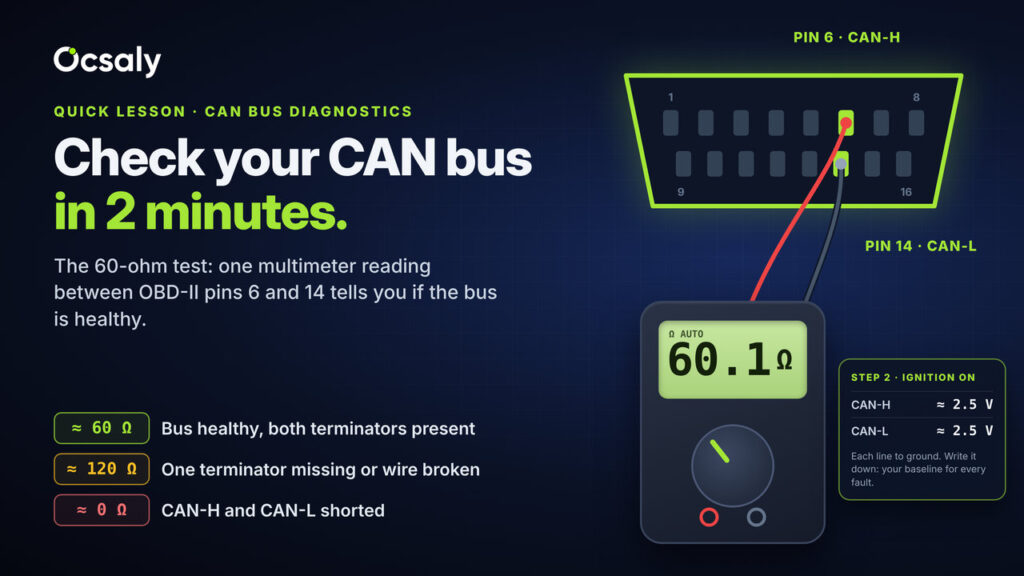
- OBD-II port, pins 6 (CAN High) and 14 (CAN Low): easiest, but on many modern cars a gateway blocks normal traffic here, so you only see diagnostic replies. See the OBD-II pinout.
- Behind the gateway: tap the bus at a module connector, the instrument cluster or a junction connector using the wiring diagram. Use proper probes or a T-harness, never cut wires.
- On a bench: a cluster or ECU on your desk with a power supply. Safe, quiet and ideal for learning.
Always connect in listen-only mode first, so your adapter never sends anything onto a car’s bus.
Your first capture on Linux
sudo ip link set can0 type can bitrate 500000 listen-only on
sudo ip link set can0 up
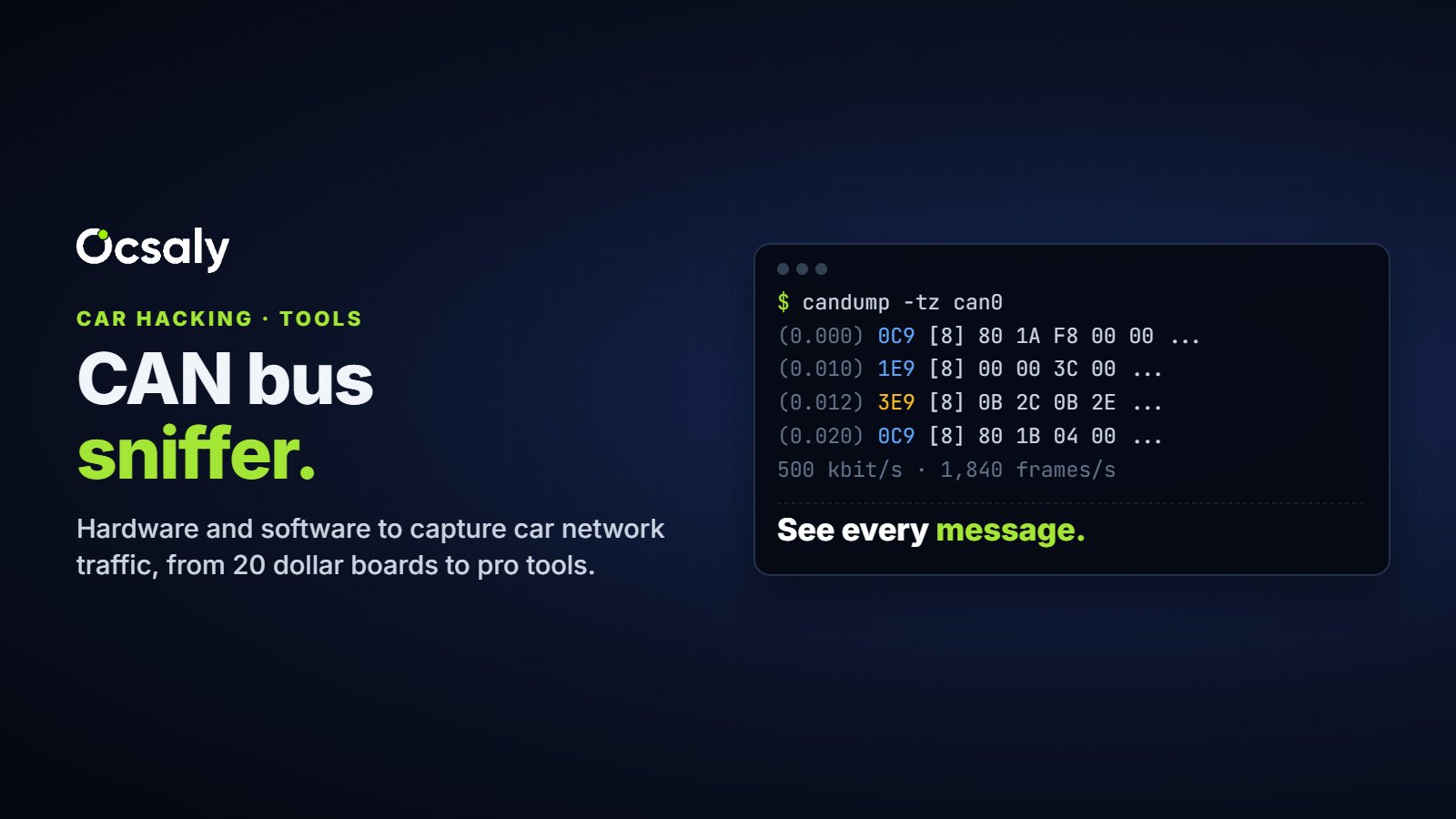
candump -tz can0
cansniffer -c can0
candump -l can0
cansniffer shows each ID once and highlights bytes that change. Press a button in the car (windows, lights, indicators) and watch which ID changes: that is how reverse engineering starts. candump -l saves a log you can replay later in a simulator or analyse in SavvyCAN.
No car to experiment on? Practise with the ICSim simulator, which runs a virtual car on your Linux machine.
Frequently asked questions
What is the best cheap CAN bus sniffer?
A CANable-style USB adapter with SocketCAN on Linux. It costs little, works with can-utils, SavvyCAN and Wireshark, and is reliable at normal bus speeds.
Why do I only see a few messages at the OBD port?
Many cars have a gateway that isolates the internal buses from the OBD port. You see only diagnostic replies. Connect behind the gateway or on a bench.
What bitrate should I use?
Most powertrain buses use 500 kbit/s; body and comfort buses often use 125 or 250 kbit/s. If you see errors and no frames, try another rate.
Can sniffing damage my car?
Listening in listen-only mode is passive and safe if wired correctly. Sending frames on a running car is where risk begins, so do that only on a bench or with full understanding.
Can I sniff CAN with an Arduino?
Yes, with an MCP2515 module, for learning. It can drop frames on busy buses; a USB adapter is better for real captures.
Turn captures into understanding
A sniffer gives you thousands of hex frames per second. Our Car Electronics and Car Hacking course teaches how to find the signals inside them, decode values, build DBC files and test what you found on a bench.