On this page
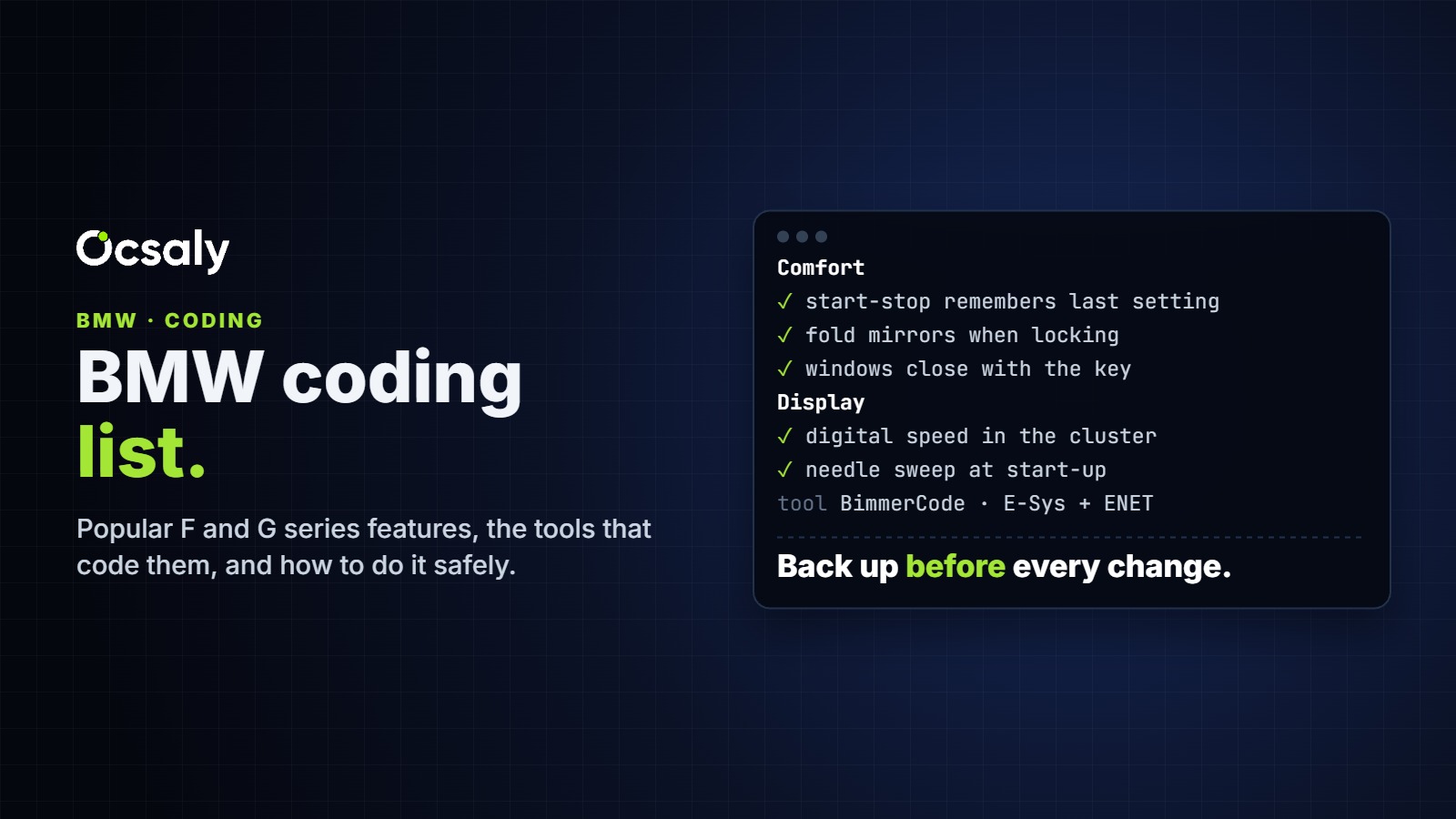
BMW coding means changing the configuration of the car’s control modules to switch on or adjust functions the hardware already supports. The most popular changes on F-series (around 2011–2019) and G-series (2017 onward) cars are comfort settings such as auto start-stop that remembers your last choice, mirrors that fold when you lock, windows that close with the key, display options such as a digital speedometer and needle sweep, and lighting tweaks. Most of them can be done with the BimmerCode app and a supported OBD adapter, or with E-Sys and an ENET cable for more control. What is available depends on the model, the build date, the software level and the options fitted, so always check what your exact car supports and save a backup before you change anything.
Popular BMW coding features
Availability varies by model and software, so treat this as a list of what people commonly code, not a guarantee for your car.
| Area | Feature | Notes |
|---|---|---|
| Comfort | Auto start-stop remembers the last setting | Instead of switching on every time the engine starts |
| Comfort | Mirrors fold when locking | Some cars only fold when you hold the lock button |
| Comfort | Windows and sunroof close or open with the key | Comfort closing and opening via the remote |
| Comfort | Unlock all doors on the first press | Instead of the driver’s door first |
| Comfort | Auto-lock speed and unlock when the engine stops | Common on F and G series |
| Display | Digital speedometer in the cluster | A numeric speed in the on-board computer menu |
| Display | Needle sweep when starting | Gauges sweep to full scale at start-up |
| Display | Larger or different start-up screens | Varies by head unit and cluster |
| Lighting | Daytime running light behaviour | Brightness and which lights stay on (follow local rules) |
| Lighting | Welcome lights and follow-me-home duration | Exterior lights when unlocking or after locking |
| Lighting | Fog lights as cornering lights | Only on cars with suitable fog lights and modules |
| Audio and media | Video in motion | For passengers only; watching video while driving is illegal and dangerous |
| Driver assistance | Default state of some assistants | Only where the system allows it; never disable safety systems you rely on |
Tools for BMW coding
| Tool | What it is | Good for |
|---|---|---|
| BimmerCode (app) | Ready-made coding options on a phone with a compatible OBD adapter | Most owners: safe menus, backups built in |
| BimmerLink (app) | Diagnostics and service functions from the same developer | Battery registration, live data, resets |
| E-Sys with an ENET cable | Engineering-level coding of F and G series modules (FDL coding) | Advanced users who know which parameters to change |
| ISTA | BMW’s workshop diagnostic and programming software | Diagnostics, service functions, programming |
F and G series cars are coded over Ethernet (ENET) through the OBD port on pins 3, 11, 12 and 13, with pin 8 activating the Ethernet link; see the OBD2 pinout guide. Older E-series cars use K+DCAN cables and tools such as NCS Expert.
How to code a BMW safely
- Connect a battery charger or stable power supply. Coding with a low battery is the most common reason a module ends up half-coded.
- Make a backup of each module before you change it. BimmerCode does this automatically; in E-Sys, save the original coding file.
- Change one thing at a time and test it before moving on.
- Do not code modules you do not need. Leave airbag, brake, steering and engine settings alone unless you know exactly what you are doing.
- Write down what you changed. A dealer software update can reset coding, and a list makes it easy to redo.
- Respect the law. Some lighting and video changes are not legal on public roads in some countries.
What coding cannot do
Coding switches functions on or off in modules that already exist. It cannot add hardware: you cannot code adaptive LED headlights onto halogen lights, or a head-up display onto a car without one. Retrofits need the hardware, wiring and usually updated vehicle data (the vehicle order) and programming.
If you are replacing the battery, that is a separate procedure: see BMW Battery Registration.
Frequently asked questions
Is BMW coding safe?
It is safe when you use a stable power supply, back up each module first and stick to comfort and display settings. Problems usually come from low voltage, interrupted connections or changing parameters you do not understand.
Will coding void my BMW warranty?
Coding itself is usually reversible and many owners return the car to the original settings before dealer visits. A dealer may still refuse a warranty claim if a coded change caused the fault. Check your local warranty terms.
Which is better, BimmerCode or E-Sys?
BimmerCode is easier and safer for most people because it offers tested options with automatic backups. E-Sys gives full access to every parameter, which is powerful but easier to get wrong.
Can a dealer update remove my coding?
Yes. Programming a module with new software normally restores its default coding. Keep a list of your changes so you can apply them again.
Learn what coding really changes
Every coding change is data written to a control module over the car’s network. Our Car Electronics & Car Hacking course explains how modules communicate, how diagnostic sessions work and how to work on vehicle electronics safely.