On this page
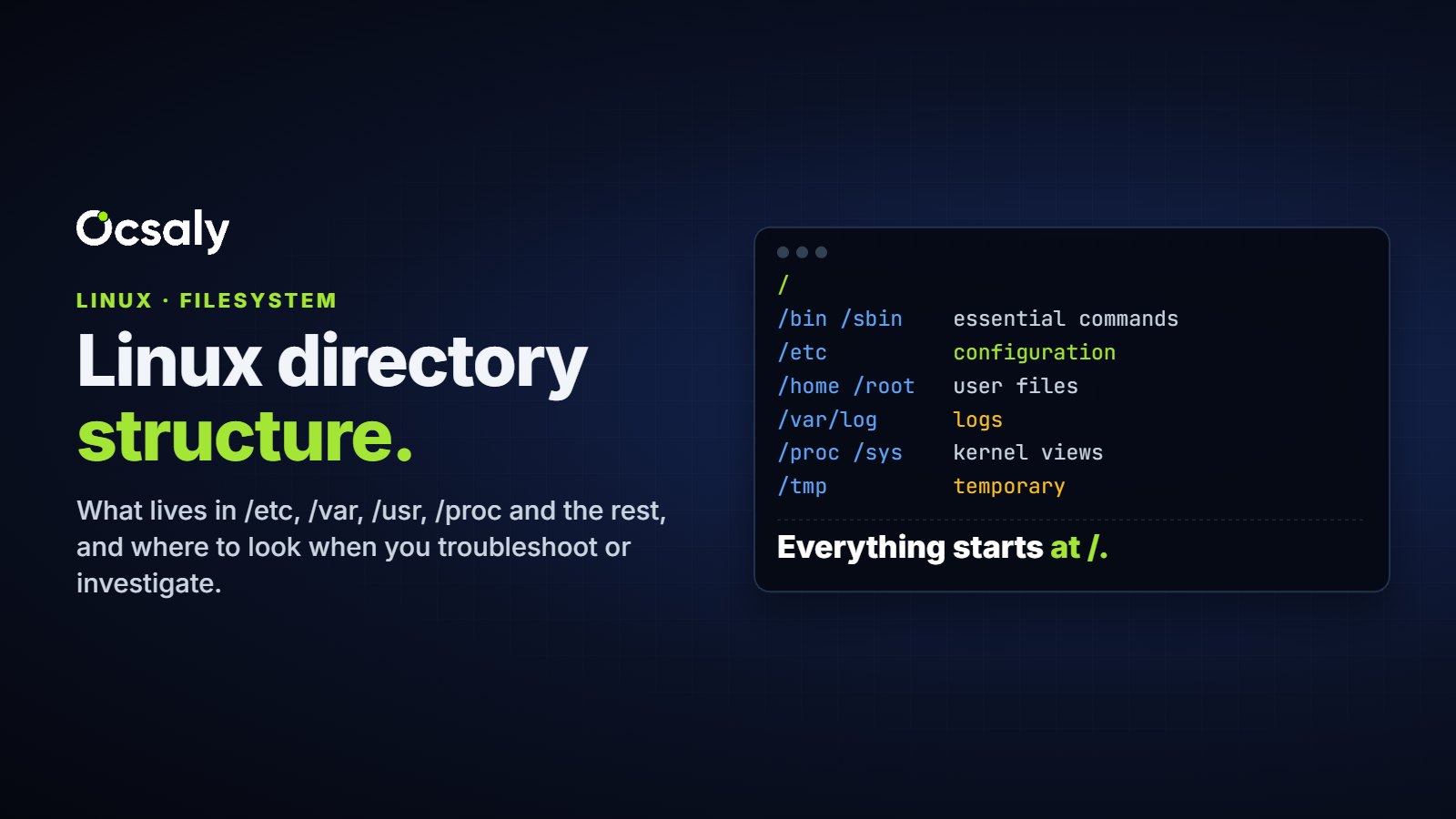
Linux organises everything in one tree that starts at the root directory, /. Disks, USB drives and even kernel information appear as folders inside this tree. The layout follows the Filesystem Hierarchy Standard (FHS), so once you know it, you can find your way around almost any Linux system, from a Raspberry Pi to a cloud server.
The main directories
| Directory | What it contains |
|---|---|
| / | Root of the whole tree |
| /bin, /sbin | Essential commands and system binaries (on modern systems often links into /usr) |
| /boot | Kernel, initramfs and boot loader files |
| /dev | Device files: disks (/dev/sda, /dev/nvme0n1), terminals, /dev/null |
| /etc | System-wide configuration files |
| /home | Users’ home directories |
| /root | The root user’s home directory |
| /lib, /lib64 | Shared libraries and kernel modules |
| /media, /mnt | Mount points for removable media and temporary mounts |
| /opt | Optional, self-contained third-party software |
| /proc | Virtual view of processes and kernel state |
| /run | Runtime data since the last boot (PID files, sockets) |
| /srv | Data served by the system (web or FTP content on some setups) |
| /sys | Virtual view of devices and drivers |
| /tmp | Temporary files, often cleared on reboot |
| /usr | Installed programs, libraries and documentation |
| /var | Variable data: logs, caches, mail, databases, spool files |
Directories worth knowing well
/etc: configuration. Examples: /etc/passwd (accounts), /etc/shadow (password hashes, root only), /etc/hosts, /etc/ssh/sshd_config, /etc/crontab.
/var/log: logs. /var/log/auth.log or /var/log/secure (logins and sudo), /var/log/syslog or /var/log/messages, web server logs under /var/log/nginx or /var/log/apache2. On systemd systems, journalctl reads the journal.
/proc: live kernel information as files. /proc/cpuinfo, /proc/meminfo, and a folder per process (/proc/1234/cmdline, /proc/1234/exe, /proc/1234/fd). Tools like ps aux and top read their data from here.
/dev: devices. Forensic imaging tools such as dc3dd read disks from /dev/sdX.
Useful commands for exploring
ls -la /etc            list with hidden files and permissions
tree -L 1 /            show the top level as a tree
du -sh /var/* 2>/dev/null | sort -h    which folders use the most space
df -h                  free space per mounted file system
findmnt                what is mounted where
Linux structure for security and forensics
Attackers and investigators look in the same places:
| Location | Why it matters |
|---|---|
| /etc/passwd, /etc/shadow, /etc/sudoers | Accounts and privileges |
| /etc/cron*, /var/spool/cron, systemd unit files | Persistence |
| /home/*/.ssh/authorized_keys | Backdoor SSH keys |
| /tmp, /dev/shm, /var/tmp | Dropped tools and payloads (world-writable) |
| /var/log | Evidence of logins, commands and attacks |
| /proc/PID/exe | The real executable of a suspicious process, even if deleted |
Frequently asked questions
What is the root directory in Linux?
The top of the file system tree, written as /. Everything else is inside it. It is different from /root, the root user’s home folder.
What is the difference between /bin and /usr/bin?
Historically /bin held essential commands and /usr/bin the rest. Many modern distributions merged them, with /bin linking to /usr/bin.
Where are configuration files in Linux?
Mostly in /etc for the whole system, and in hidden files and folders in each user’s home directory.
Where are logs stored in Linux?
In /var/log, and on systemd systems in the journal, read with journalctl.
What is /proc?
A virtual file system that exposes running processes and kernel information as files.
Learn Linux the practical way
Our free Linux command line cheat sheet and the Assembly and Shellcode Development course take you from navigating the file system to how Linux runs programs. See also Linux pipes and redirection.