On this page
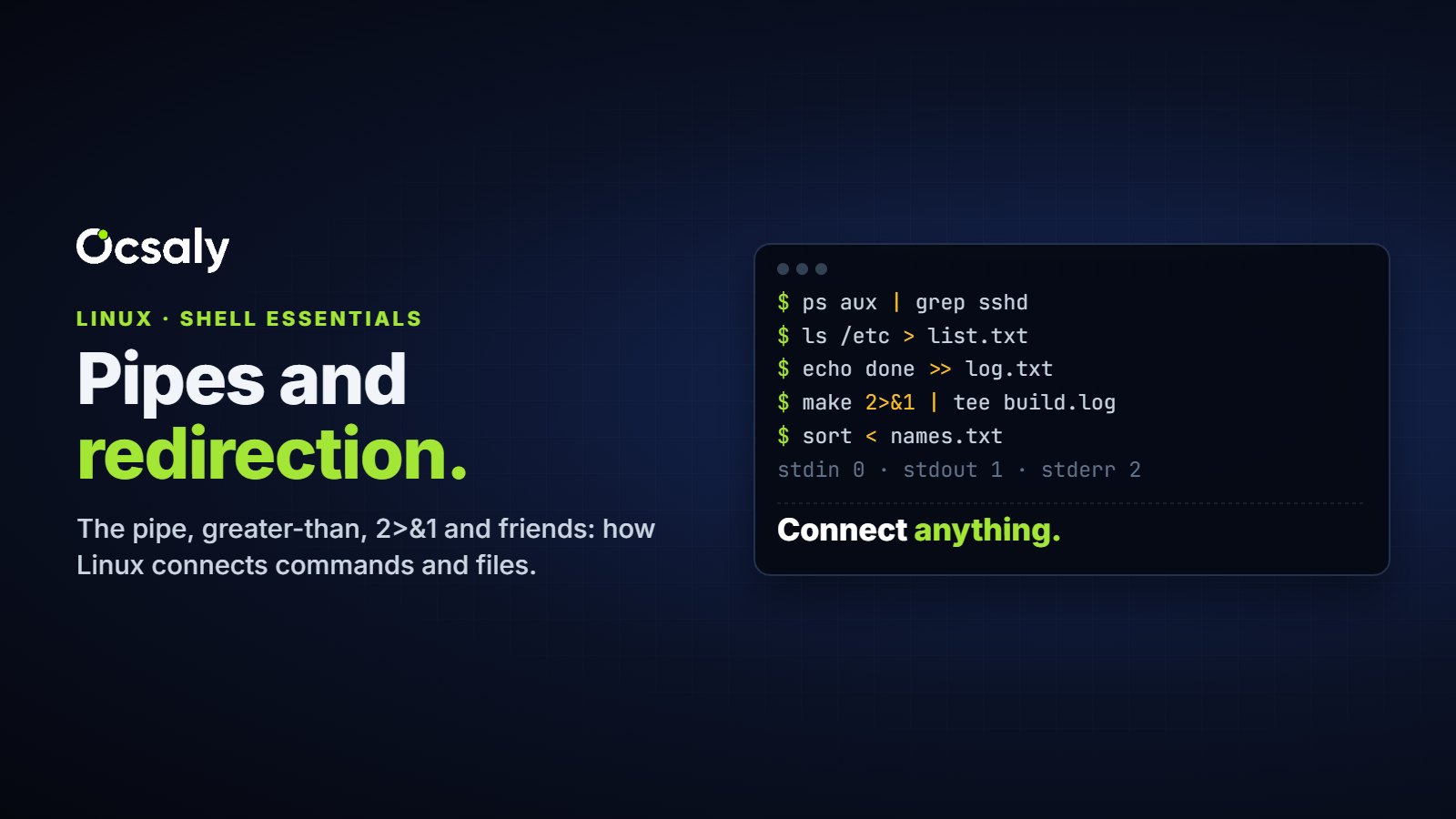
Every Linux program has three standard streams: stdin (input, number 0), stdout (normal output, 1) and stderr (error output, 2). Redirection connects those streams to files; the pipe (|) connects the output of one command to the input of another. Together they let you build powerful one-liners from small tools.
The operators
| Operator | Meaning | Example |
|---|---|---|
| | Pipe stdout of the left command to stdin of the right | ps aux | grep nginx |
> | Write stdout to a file (overwrite) | ls > files.txt |
>> | Append stdout to a file | date >> log.txt |
< | Read stdin from a file | sort < names.txt |
2> | Write stderr to a file | find / -name x 2> errors.txt |
2>&1 | Send stderr to wherever stdout goes | make > build.log 2>&1 |
&> | Bash shortcut: stdout and stderr to a file | script.sh &> all.log |
2>/dev/null | Discard errors | find / -name x 2>/dev/null |
Pipes in practice
cat access.log | grep " 404 " | wc -l              count 404 errors
ps aux --sort=-%mem | head -5                       top memory users
cut -d: -f1 /etc/passwd | sort                      list user names
history | awk '{print $2}' | sort | uniq -c | sort -rn | head
Each command does one thing; the pipe chains them. See ps aux explained for the first command in many of these chains.
The order of 2>&1 matters
command > out.txt 2>&1      both stdout and stderr go to out.txt
command 2>&1 > out.txt      stderr still goes to the terminal
Redirections are processed left to right. In the second line, stderr is pointed at the terminal (where stdout was at that moment) before stdout is moved to the file.
tee: see it and save it
make 2>&1 | tee build.log          show output and save it
echo "line" | sudo tee -a /etc/hosts
tee writes its input to a file and to stdout at the same time. It is also the standard way to write to a root-owned file with sudo, because sudo echo x > file redirects as your normal user.
Here documents and here strings
cat << EOF > config.txt
host=10.0.0.5
port=22
EOF

grep error <<< "this line has an error"
Common mistakes
sort file > fileempties the file before sort reads it. Write to a new file first.- Forgetting that
>overwrites; use>>to append. - Piping stderr:
|only carries stdout. Use2>&1 |or|&in bash.
Frequently asked questions
What does the pipe | do in Linux?
It sends the standard output of one command into the standard input of the next command.
What does 2>&1 mean?
Redirect file descriptor 2 (stderr) to the same place as file descriptor 1 (stdout).
What is the difference between > and >>?
> overwrites the file; >> appends to the end of it.
How do I hide error messages in Linux?
Redirect stderr to /dev/null: command 2>/dev/null.
What is /dev/null?
A special file that discards everything written to it.
Master the Linux shell
Shell skills are the base of every security and engineering job. Our free Linux command line cheat sheet and the Assembly and Shellcode Development course take you from everyday commands to how Linux really works.