On this page
ps aux is the most common way to list every running process on a Linux system. It shows who owns each process, its process ID (PID), how much CPU and memory it uses, its state, when it started and the full command that launched it. System administrators use it to troubleshoot slow servers; security analysts use it to spot processes that should not be there.
What a, u and x mean
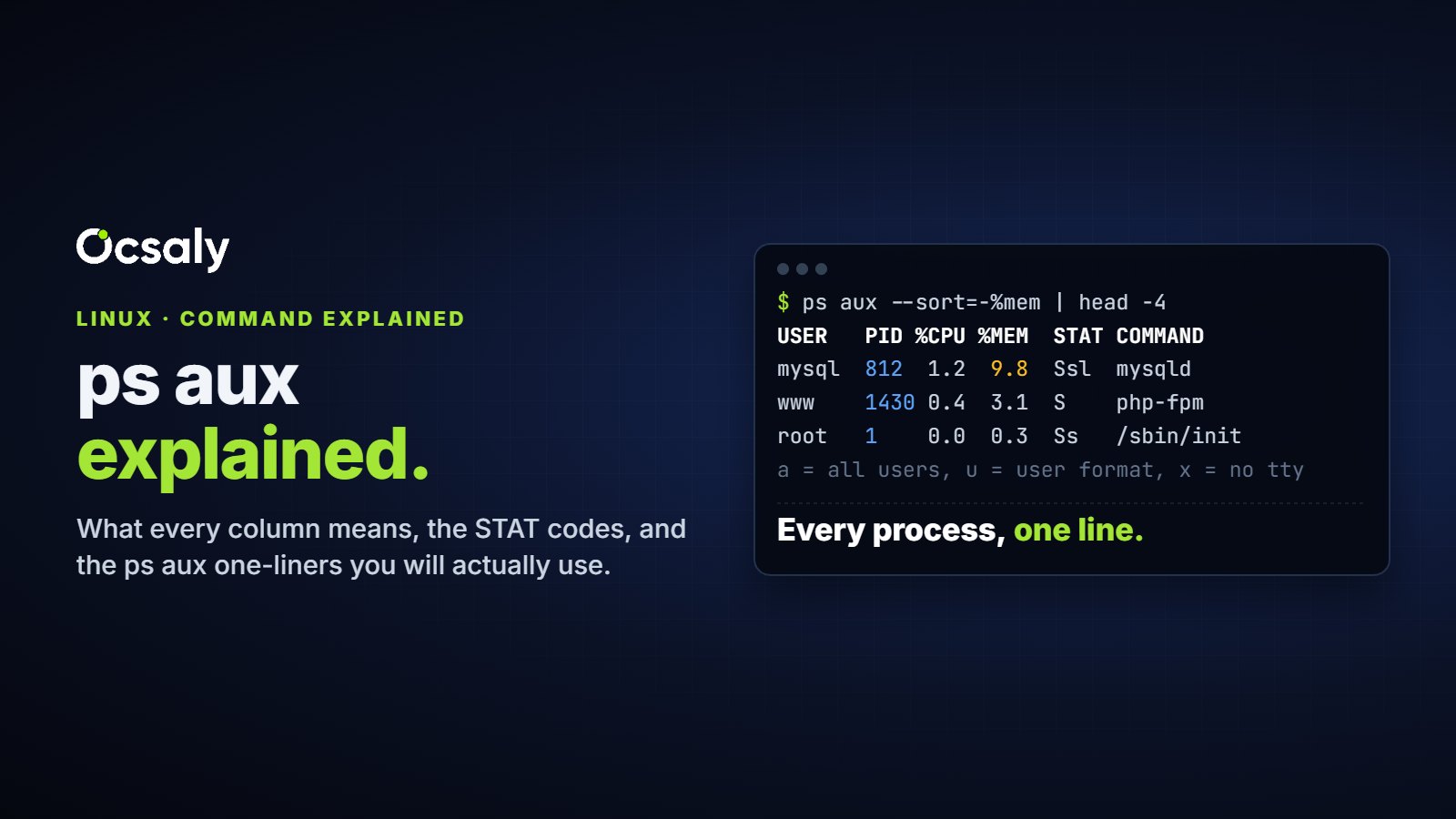
ps aux uses BSD-style options, written without a dash:
| Option | Meaning |
|---|---|
| a | Show processes of all users, not only yours |
| u | User-oriented format: adds USER, %CPU, %MEM and more |
| x | Include processes without a terminal (daemons and services) |
Together they mean: all processes, from all users, with or without a terminal, in a readable format. ps -aux usually prints the same thing, but strictly the dash version is a different (POSIX) syntax, so ps aux is the correct form.
The output columns
USER       PID %CPU %MEM    VSZ   RSS TTY      STAT START   TIME COMMAND
root         1  0.0  0.3 168336 11520 ?        Ss   09:12   0:02 /sbin/init
mysql      812  1.2  9.8 2014560 398220 ?      Ssl  09:12   4:31 /usr/sbin/mysqld
user 4102 0.0 0.1 10072 3388 pts/0 R+ 11:40 0:00 ps aux| Column | Meaning |
|---|---|
| USER | Account that owns the process |
| PID | Process ID, used with kill, renice and other tools |
| %CPU | Share of CPU time used (averaged over the process lifetime) |
| %MEM | Share of physical memory used |
| VSZ | Virtual memory size in KB (everything mapped, not all in RAM) |
| RSS | Resident set size in KB: memory actually in RAM |
| TTY | Terminal; ? means no terminal (a background service) |
| STAT | Process state codes (below) |
| START | When the process started |
| TIME | Total CPU time used |
| COMMAND | The command and its arguments |
STAT codes
| Code | Meaning |
|---|---|
| R | Running or runnable |
| S | Sleeping, waiting for an event (most processes) |
| D | Uninterruptible sleep, usually waiting for disk or network I/O |
| Z | Zombie: finished, but the parent has not collected its exit status |
| T | Stopped (for example with Ctrl+Z or a debugger) |
| I | Idle kernel thread |
Extra characters after the main letter:
| Modifier | Meaning |
|---|---|
| s | Session leader |
| l | Multi-threaded |
| + | In the foreground process group of a terminal |
| < | High priority |
| N | Low priority (nice) |
Useful ps aux examples
ps aux | grep nginx                  find a process by name
ps aux --sort=-%mem | head -10       top 10 memory users
ps aux --sort=-%cpu | head -10       top 10 CPU users
ps auxf                              show processes as a tree
ps aux | awk '$8 ~ /Z/'              list zombie processes
ps -u www-data u                     processes of one user
ps -eo pid,ppid,user,cmd --forest    custom columns with parent PIDs
The grep line also matches itself; use pgrep -a nginx or ps aux | grep [n]ginx to avoid that.
ps aux vs top
ps aux is a snapshot at one moment, perfect for scripts and for searching. top (or htop) updates live, better for watching what changes. Use both: top to see that something is busy, ps aux to inspect it in detail.
ps aux for security and forensics
Analysts read ps aux output for red flags:
- Processes running from /tmp, /dev/shm or hidden directories
- Names that imitate system processes but run as the wrong user or from the wrong path
- Shells (bash, sh) owned by a web server account such as www-data
- Unknown processes with network tools, miners or very high CPU
- Parent and child relationships that make no sense, visible with
ps auxfor--forest
On a live investigation, save the output (ps auxww > processes.txt, where ww prevents truncated commands) before changing anything on the system.
Related guides: Linux top command explained, execve system call explained.
Frequently asked questions
What does ps aux do in Linux?
It lists all running processes from all users, including background services, with owner, PID, CPU and memory use, state, start time and command.
What is the difference between ps aux and ps -ef?
Both list all processes. ps aux uses BSD style and shows CPU and memory usage; ps -ef uses standard style and shows the parent PID (PPID). Use whichever columns you need.
What does Z mean in ps aux?
A zombie process: it has finished, but its parent has not collected its exit status. A few are harmless; many point to a buggy parent process.
Why is the COMMAND column cut off?
Output is truncated to the terminal width. Use ps auxww to show full command lines.
How do I kill a process found with ps aux?
Use its PID: kill 1234, and kill -9 1234 only if it does not stop normally. You need permission to kill processes of other users.
Learn Linux the hacker way
Process inspection is a core skill for both attackers and defenders. Our free Linux command line cheat sheet covers the essential commands, and our Assembly and Shellcode Development course goes deep into processes, system calls and how programs really run on Linux.