On this page
Nmap can scan ports in many different ways. Each scan type sends a different kind of packet and interprets the reply differently, which changes speed, stealth, accuracy and what you learn about firewalls. Knowing which to use is the difference between a noisy, misleading scan and a clean picture of the target.
Only scan networks you own or have written permission to test.
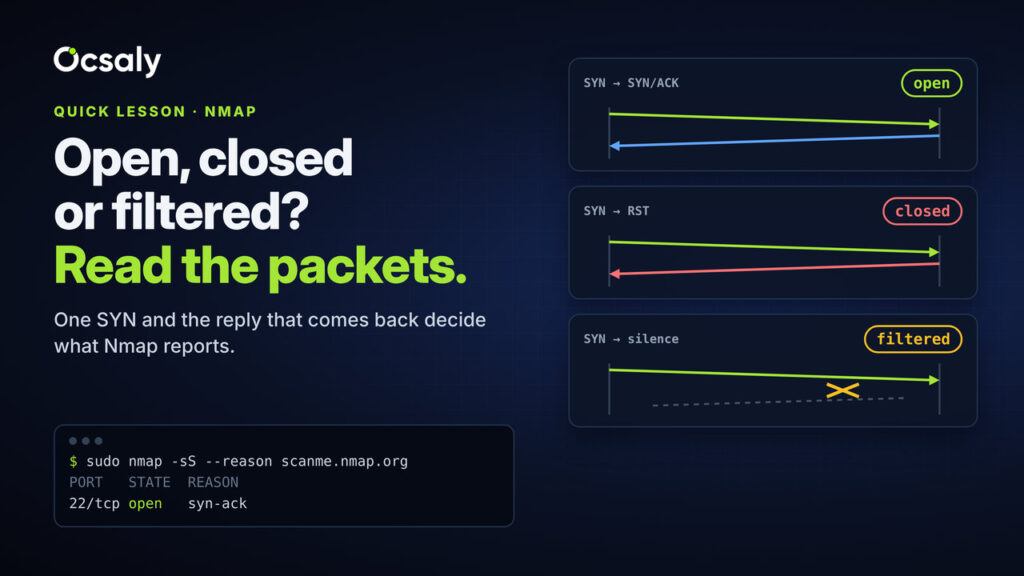
Port states
| State | Meaning |
|---|---|
| open | An application is accepting connections |
| closed | Reachable, but nothing is listening |
| filtered | A firewall or filter blocked the probe; Nmap cannot tell |
| unfiltered | Reachable, but open or closed is unknown (ACK scan) |
| open/filtered | Open or filtered; common with UDP, FIN, NULL and Xmas scans |
The main scan types
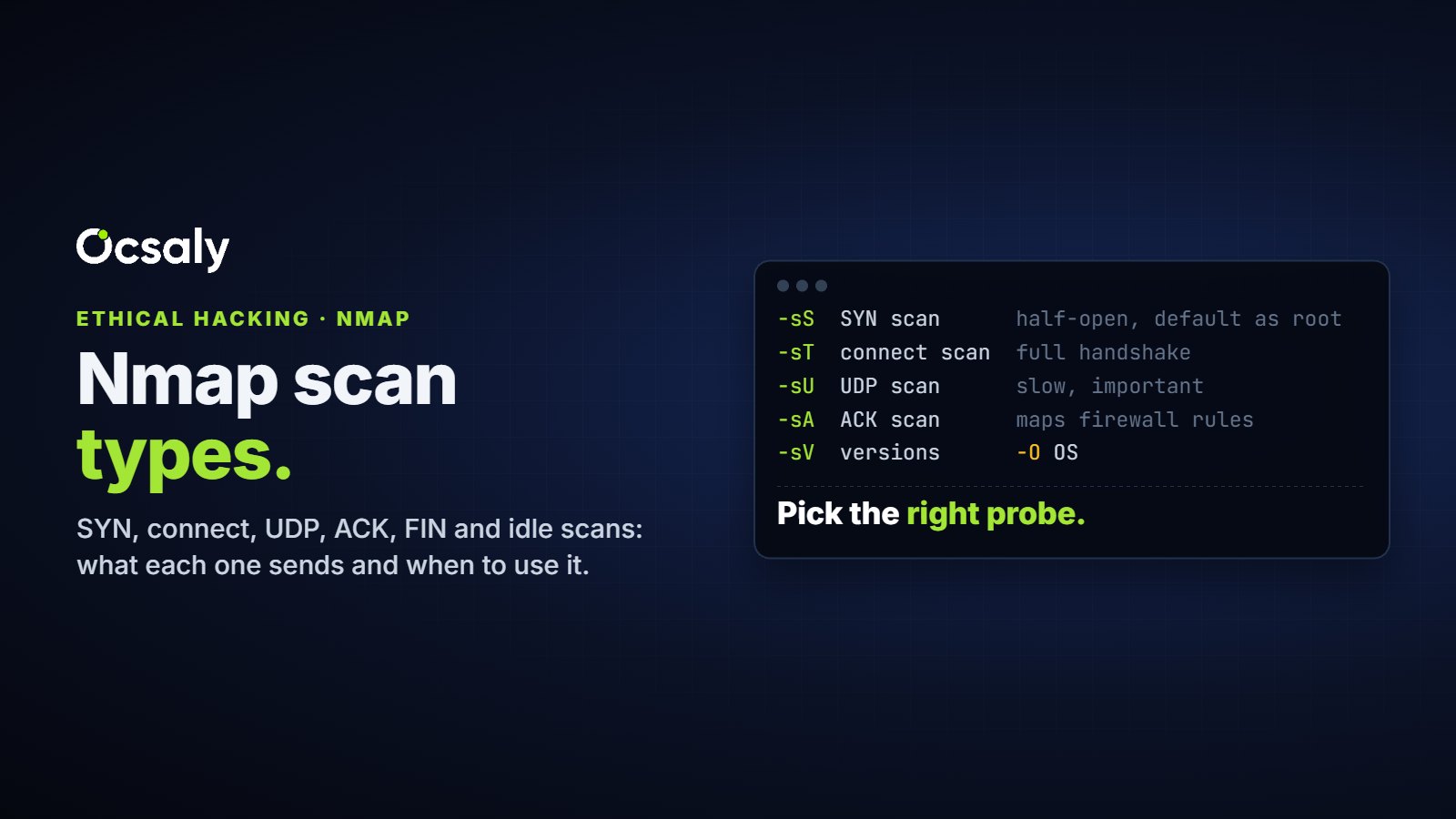
| Option | Scan | How it works | Use it for |
|---|---|---|---|
| -sS | SYN (half-open) | Sends SYN; SYN/ACK means open, RST means closed; never completes the handshake | Default fast scan when running as root |
| -sT | TCP connect | Completes the full handshake using the operating system | When you do not have raw packet privileges |
| -sU | UDP | Sends UDP probes; ICMP port unreachable means closed | DNS, SNMP, DHCP, NTP and other UDP services |
| -sA | ACK | Sends ACK packets; RST means unfiltered | Mapping firewall rules, not finding open ports |
| -sF / -sN / -sX | FIN, NULL, Xmas | Odd flag combinations; no reply suggests open or filtered | Probing some firewalls; unreliable against Windows |
| -sI | Idle (zombie) | Uses another host’s IP ID sequence to scan without sending packets from your IP | Advanced, stealthy research |
| -sV | Version detection | Talks to open ports to identify the service and version | After finding open ports |
| -O | OS detection | TCP/IP fingerprinting, see Nmap OS detection | Identifying the operating system |
Practical examples
sudo nmap -sS -p- 10.0.0.20                 all TCP ports with a SYN scan
nmap -sT -p 22,80,443 10.0.0.20             connect scan without root
sudo nmap -sU --top-ports 50 10.0.0.20      the 50 most common UDP ports
sudo nmap -sA -p 1-1000 10.0.0.20           check which ports a firewall filters
sudo nmap -sS -sV -O -T4 10.0.0.0/24        a common discovery scan
Choosing the right scan
- Start with -sS (or -sT without root) on the ports that matter, or all ports with -p-.
- Add -sV on open ports to identify services.
- Do not forget UDP (-sU): important services hide there, but it is slow, so limit the port list.
- Use -sA when results look filtered, to understand the firewall.
- Tune timing with -T3 or -T4 on reliable networks; slower templates for fragile or monitored networks.
Frequently asked questions
What is the difference between a SYN scan and a connect scan?
A SYN scan never completes the TCP handshake and needs raw packet privileges; a connect scan uses the operating system to complete the handshake, so it works without root but is easier to log.
Why is UDP scanning slow?
Open UDP ports often do not reply, and many systems rate-limit ICMP error messages, so Nmap must wait and retry.
What does filtered mean in Nmap?
A firewall or filter dropped the probe, so Nmap cannot tell whether the port is open or closed.
Is port scanning illegal?
Scanning your own systems or with permission is legal. Unauthorised scanning can break laws or terms of service in many countries.
What is an ACK scan used for?
To map firewall rules: it shows whether ports are filtered or unfiltered, not whether they are open.
Master Nmap
Our Advanced Nmap Scanning and Network Reconnaissance course covers every scan type, timing, NSE scripts and evasion with hands-on labs.