On this page
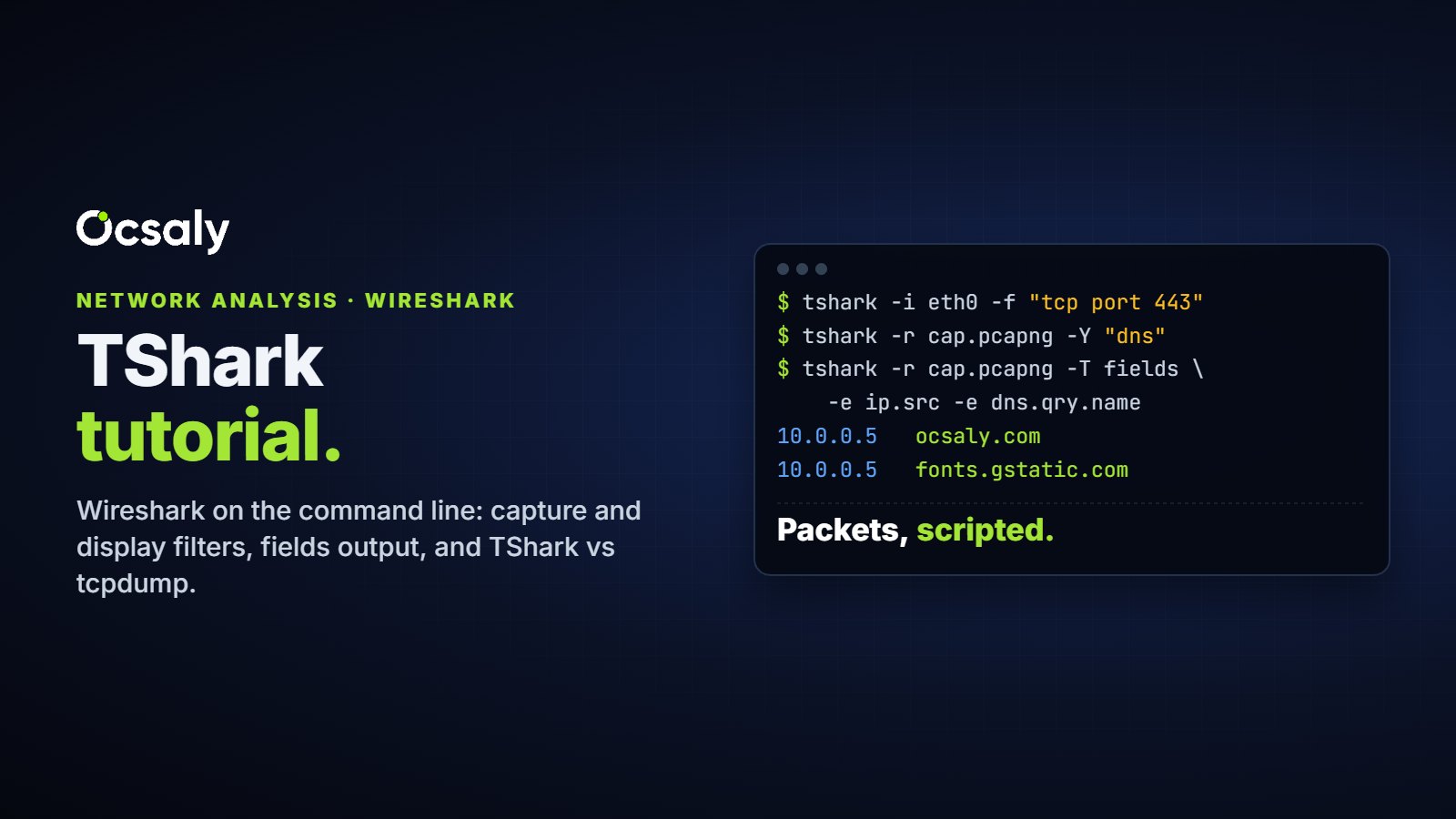
TShark is the command-line version of Wireshark. It captures packets and decodes them with the same dissectors as Wireshark, but in a terminal, which makes it ideal for servers without a desktop, for long captures, and for scripts that extract specific fields from traffic.
TShark vs Wireshark vs tcpdump
| Tool | Interface | Strength |
|---|---|---|
| Wireshark | Graphical | Interactive analysis, follow streams, statistics |
| TShark | Command line | Same decoding as Wireshark, scriptable, field extraction |
| tcpdump | Command line | Lightweight, everywhere, fast capture with BPF filters |
A common workflow: capture with tcpdump or TShark on a server, analyse the pcap in Wireshark on your laptop, and automate repeated questions with TShark.
Capturing traffic
tshark -D                                list interfaces
sudo tshark -i eth0                      capture on eth0
sudo tshark -i eth0 -w capture.pcapng    write to a file
sudo tshark -i eth0 -c 100               stop after 100 packets
sudo tshark -i eth0 -a duration:60 -w one_minute.pcapng
To capture without root on Linux, add your user to the wireshark group (on Debian and Ubuntu, reconfigure the wireshark-common package to allow non-root capture).
Capture filters (-f) vs display filters (-Y)
| Capture filter (-f) | Display filter (-Y) | |
|---|---|---|
| Syntax | BPF, same as tcpdump | Wireshark display filter language |
| When applied | While capturing; packets not matching are never stored | After decoding; can filter on any field |
| Example | -f "tcp port 443" | -Y "http.request.method == GET" |
sudo tshark -i eth0 -f "host 10.0.0.5 and port 53"
tshark -r capture.pcapng -Y "dns.flags.response == 0"
tshark -r capture.pcapng -Y "tcp.flags.syn == 1 and tcp.flags.ack == 0"
tshark -r capture.pcapng -Y "http.request"
Use capture filters to keep files small, and display filters to answer questions afterwards.
Field output for scripts
The most powerful TShark feature is printing only the fields you need:
tshark -r capture.pcapng -Y dns -T fields -e frame.time -e ip.src -e dns.qry.name
tshark -r capture.pcapng -Y http.request -T fields -e ip.src -e http.host -e http.request.uri
tshark -r capture.pcapng -T fields -e ip.dst | sort | uniq -c | sort -rn | head
Other output formats: -T json, -T ek (for Elasticsearch) and -T pdml.
Statistics
tshark -r capture.pcapng -q -z conv,ip          conversations by IP
tshark -r capture.pcapng -q -z io,phs           protocol hierarchy
tshark -r capture.pcapng -q -z http,tree        HTTP statistics
TShark for car hackers
Wireshark and TShark also decode CAN traffic from SocketCAN interfaces. Our guide to analyzing CAN packets with Wireshark shows the setup; TShark lets you log the same traffic headless on a Raspberry Pi in a car or on a bench.
Related guides: Nmap scan types, Linux pipes and redirection.
Frequently asked questions
What is TShark used for?
Capturing and analysing network traffic from the command line, especially on servers and in scripts.
Is TShark installed with Wireshark?
Yes, on most systems TShark is installed together with Wireshark. On Linux it may be a separate package called tshark.
What is the difference between -f and -Y in TShark?
-f sets a capture filter (BPF) that decides what is captured; -Y sets a display filter applied to decoded packets.
Is TShark better than tcpdump?
TShark decodes far more protocols and can print any field. tcpdump is lighter and available almost everywhere. Many analysts use both.
Can TShark read pcap files from tcpdump?
Yes. Use tshark -r with any pcap or pcapng file.
Learn network analysis hands-on
Our Ethical Hacking and Network Reconnaissance course covers packet capture, filtering and protocol analysis, and our Nmap course shows the scanning side.