On this page
Nmap OS detection identifies the operating system of a remote host by sending a series of specially crafted TCP, UDP and ICMP probes and comparing how the target’s network stack responds with a database of thousands of known fingerprints. Different operating systems implement TCP/IP slightly differently (initial TTL, window sizes, option order, sequence number behaviour), and Nmap uses those differences to make an educated guess.
Only scan systems you own or have written permission to test.
The commands
sudo nmap -O 10.0.0.20                     OS detection
sudo nmap -O --osscan-guess 10.0.0.20      guess more aggressively
sudo nmap -A 10.0.0.20                     OS + versions + scripts + traceroute
sudo nmap -O --osscan-limit 10.0.0.0/24    only fingerprint promising hosts
OS detection needs raw packets, so run it as root (sudo) on Linux or as administrator on Windows.
| Option | Meaning |
|---|---|
| -O | Enable OS detection |
| -A | Aggressive: OS detection, version detection (-sV), default scripts (-sC) and traceroute |
| –osscan-guess | Show near matches when there is no exact one |
| –osscan-limit | Skip OS detection on hosts without at least one open and one closed port |
| –max-os-tries | Limit retries to save time |
Reading the result
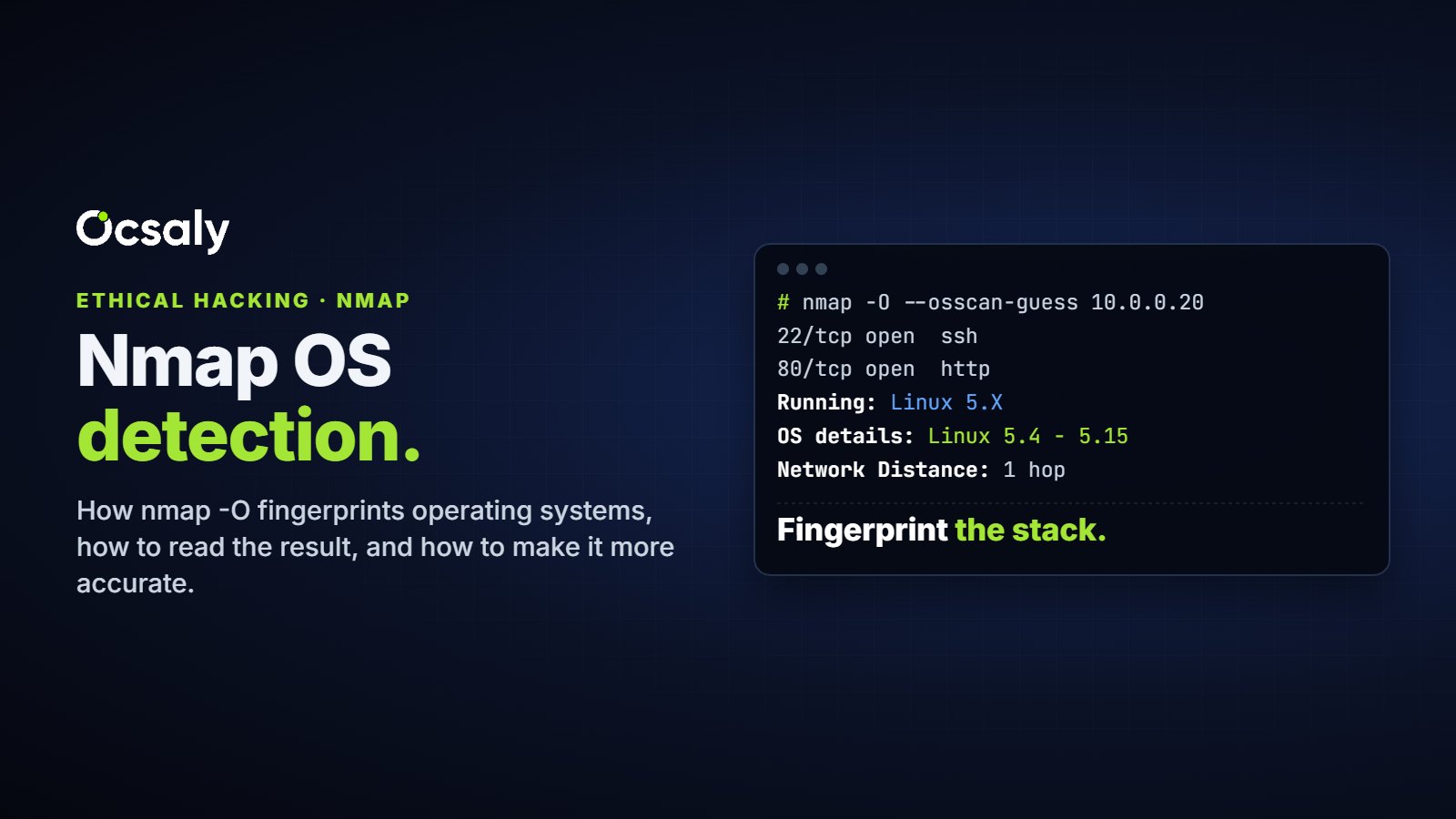
PORT   STATE SERVICE
22/tcp open  ssh
80/tcp open  http
Device type: general purpose
Running: Linux 5.X
OS CPE: cpe:/o:linux:linux_kernel:5
OS details: Linux 5.4 - 5.15
Network Distance: 1 hop| Line | Meaning |
|---|---|
| Device type | General purpose, router, printer, phone and so on |
| Running | OS family and version range |
| OS CPE | Standard identifier, useful for matching vulnerabilities |
| OS details | Most specific match |
| Network Distance | Hops between you and the target |
| Aggressive OS guesses | Shown with –osscan-guess, with confidence percentages |
How to get accurate results
- Open and closed ports: Nmap needs at least one open and one closed TCP port for reliable fingerprints. Scan more ports, or all with
-p-. - Avoid firewalls in the path where possible: firewalls, NAT and load balancers change the responses and can make Nmap fingerprint the firewall instead of the host.
- Combine with version detection: service banners (
-sV) often confirm the OS, for example an OpenSSH Ubuntu package string. - Use the TTL as a hint: initial TTLs of 64 often mean Linux or macOS, 128 Windows, 255 network devices.
- Keep Nmap updated: newer versions include newer fingerprints.
Limits
OS detection is a probabilistic guess. Virtual machines, containers, hardened network stacks and devices behind proxies can be misidentified. Treat the result as a lead and confirm it with other evidence such as banners, SMB or SSH information and web headers.
Related guides: Nmap scan types explained, TShark tutorial.
Frequently asked questions
How does Nmap detect the operating system?
By sending crafted probes and comparing the target’s TCP/IP responses with a database of known operating system fingerprints.
Why does Nmap say “No exact OS matches”?
The responses do not match a known fingerprint closely, often because of firewalls or too few open and closed ports. Try –osscan-guess and scan more ports.
Does nmap -O need root?
Yes. OS detection sends raw packets, which requires root or administrator privileges.
What is the difference between -O and -A?
-O only performs OS detection. -A adds version detection, default scripts and traceroute.
Is Nmap OS detection legal?
Scanning networks you own or are authorised to test is legal. Scanning other networks without permission can be illegal in many countries.
Master Nmap
Our Advanced Nmap Scanning and Network Reconnaissance course covers host discovery, scan types, OS and version detection, NSE scripts and evasion, with hands-on labs.