On this page
GNU Radio is the free, open-source toolkit for building software defined radio systems from signal processing blocks. You design flowgraphs in GNU Radio Companion (GRC), a drag-and-drop editor, and GNU Radio runs them in real time with your SDR, or with no hardware at all on simulated or recorded signals.
Installing it used to be painful. Today there is a clean method for every operating system.
Which method to use
| System | Recommended method | Notes |
|---|---|---|
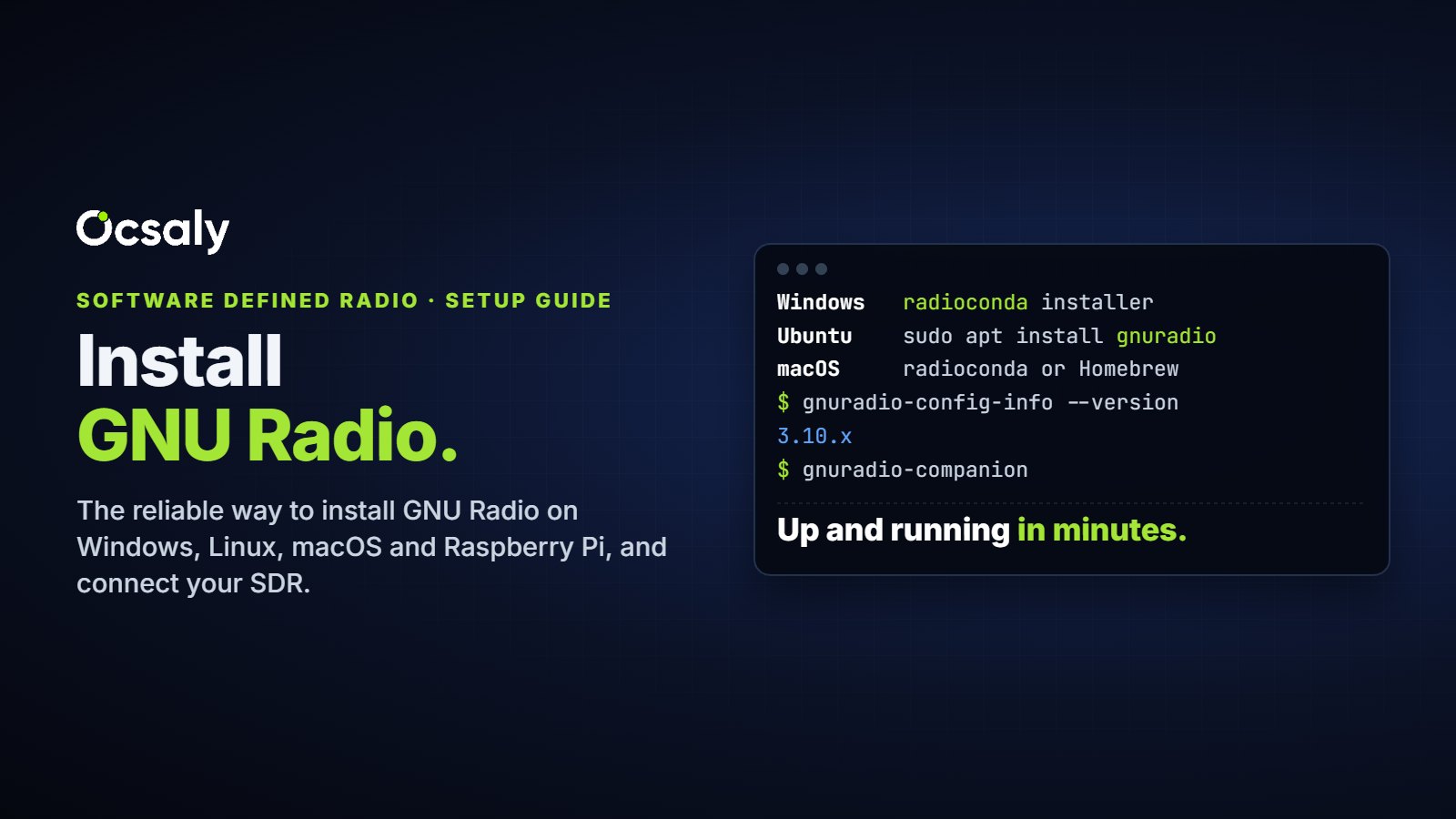
| Windows | radioconda installer | Includes GNU Radio, SDR drivers and common out-of-tree modules |
| Ubuntu / Debian | sudo apt install gnuradio | Recent releases ship GNU Radio 3.10 |
| Ubuntu (newest version) | GNU Radio releases PPA | When you need a newer release than your distribution |
| macOS | radioconda or Homebrew | radioconda is usually simplest |
| Raspberry Pi OS | sudo apt install gnuradio | Works on Pi 4 and 5; keep flowgraphs light |
Do not use pip install gnuradio: GNU Radio is not distributed through PyPI, so pip will not give you a working installation.
Windows: radioconda
- Download the radioconda installer for Windows from its GitHub releases page (linked from the GNU Radio wiki).
- Run it and accept the defaults. It installs a self-contained environment.
- Start GNU Radio Companion from the Start menu (it appears under radioconda).
- For an RTL-SDR, install the WinUSB driver with Zadig first, as described in our RTL-SDR guide.
Ubuntu, Debian and Raspberry Pi
sudo apt update
sudo apt install gnuradio
gnuradio-config-info --version
gnuradio-companion
For a newer release on Ubuntu:
sudo add-apt-repository ppa:gnuradio/gnuradio-releases
sudo apt update
sudo apt install gnuradio
For SDR hardware support, also install the source blocks for your radio, for example:
sudo apt install gr-osmosdr rtl-sdr hackrfGNU Radio 3.10 also includes Soapy blocks, which support many radios through SoapySDR modules.
macOS
- radioconda: download the macOS installer (Intel or Apple Silicon) and run it, then start
gnuradio-companionfrom the radioconda environment. - Homebrew:
brew install gnuradioworks for many users, but versions and module support vary.
Check that it works
- Run
gnuradio-config-info --versionto confirm the version (3.10.x is current). - Open GNU Radio Companion and build a test flowgraph: Signal Source (1 kHz) to Throttle to QT GUI Frequency Sink.
- Click run. A peak at 1 kHz means everything works, no hardware needed.
Then try a real receiver: our lab build an AM receiver in GNU Radio without an SDR walks you through it step by step.
Common problems
| Problem | Fix |
|---|---|
| GRC does not start on Linux | Missing Qt or Python packages; reinstall with apt and check the terminal error |
| No RTL-SDR or HackRF source block | Install gr-osmosdr or use the Soapy blocks |
| Device found by rtl_test but not in GNU Radio | Another program holds the device, or the DVB driver is loaded |
| Flowgraph uses 100 % CPU | Missing Throttle block in a simulation flowgraph |
| Version mismatch errors with modules | Out-of-tree modules must match your GNU Radio version |
Frequently asked questions
Is GNU Radio free?
Yes. GNU Radio is free and open-source software.
What is the easiest way to install GNU Radio on Windows?
The radioconda installer. It bundles GNU Radio with drivers and common modules.
Can I use GNU Radio without an SDR?
Yes. You can simulate signals, process recorded IQ files and learn DSP with no hardware at all.
Which GNU Radio version should I use?
GNU Radio 3.10 is the current stable series used by most tutorials and modules.
Does GNU Radio work on a Raspberry Pi?
Yes, via apt. It works well for simple receivers; complex flowgraphs need a faster computer.
Learn GNU Radio properly
Installing it is step one. Our Software-Defined Radio and Signal Processing course teaches sampling, filters, modulation and demodulation with hands-on GNU Radio labs, from your first flowgraph to complete receivers.