On this page
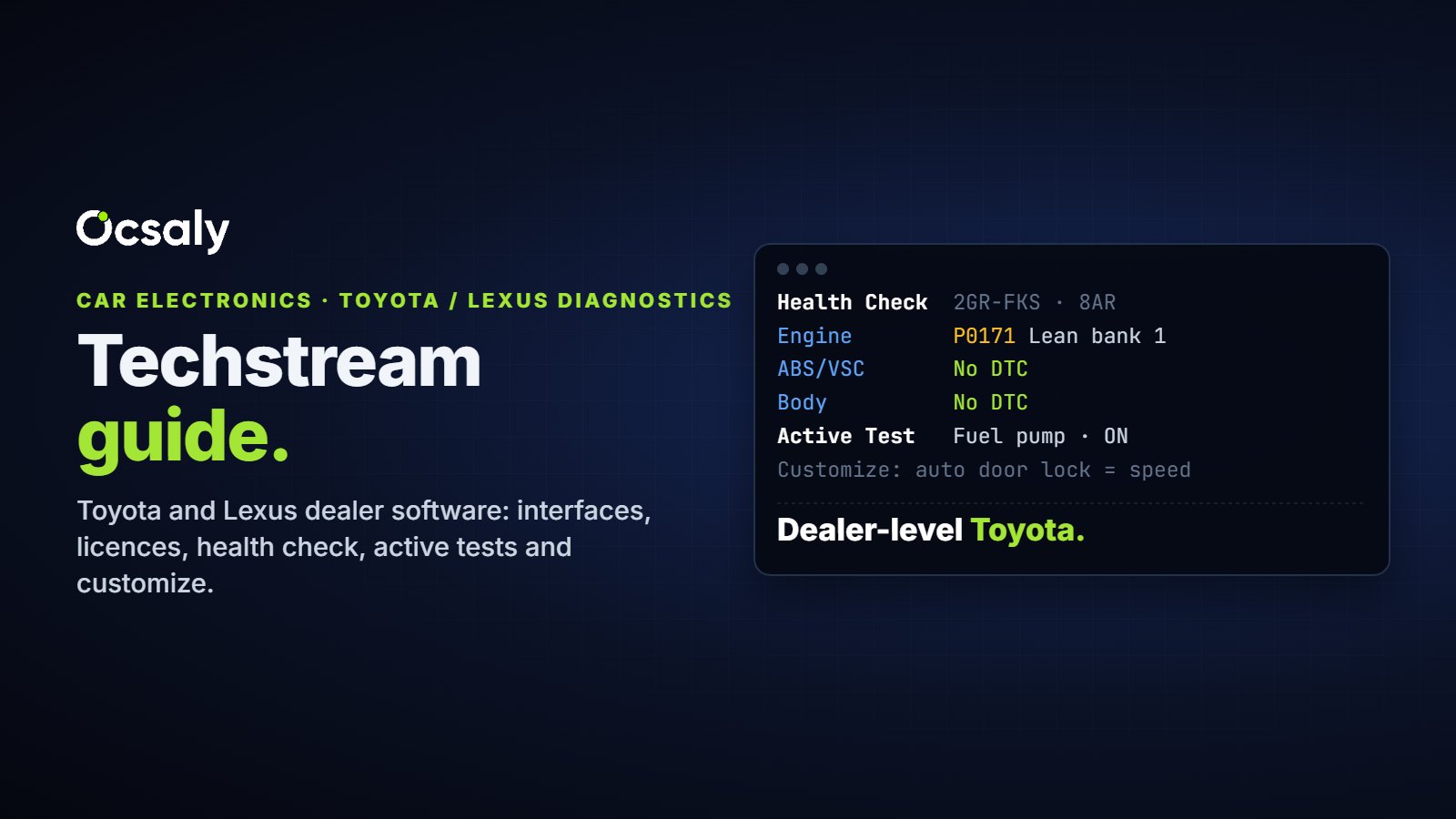
Techstream is the official diagnostic software for Toyota, Lexus and Scion vehicles. It runs on a Windows laptop and talks to every module in the car through a vehicle interface: it reads and clears fault codes, shows live data, runs active tests that switch components on and off, changes customize settings such as door lock behaviour, and, with the right subscription, reprograms ECUs.
For independent workshops and serious owners, it is the closest thing to a dealer scan tool for these brands.
What Techstream can do
| Function | What it is for |
|---|---|
| Health Check | Scan every module and list fault codes in one report |
| Data List | Live data from any module, with graphing and recording |
| Active Test | Command actuators: fuel pump, injectors, fans, ABS solenoids, lights |
| Utility | Procedures such as idle relearn, injector compensation, steering angle reset, tyre pressure ID registration |
| Customize | Change owner settings: auto locking, light timers, beeps, welcome lights |
| Reprogramming | Flash calibration updates (with the matching subscription) |
Which interface to use
Techstream needs a vehicle interface between the laptop and the OBD-II port.
| Interface | Notes |
|---|---|
| Toyota-approved J2534 devices (for example Mongoose Pro Toyota, other validated pass-thru tools) | Supported by the official software and needed for reprogramming |
| Toyota dealer VIM tools | Used by dealers |
| Low-cost “Mini VCI” cables | Often sold with old, unofficial software versions; limited to older vehicles and 32-bit drivers, unreliable for anything beyond reading |
If you plan to reprogram modules, use a device validated by Toyota. Our J2534 pass-thru guide explains how these interfaces work.
The official licence
The official way to get Techstream is through Toyota’s Technical Information System (TIS), which sells short and long subscriptions to independent users. A subscription gives you the current software, support for the latest models and access to calibration files for reprogramming. Newer Toyota models use the newer Techstream versions, and some recent vehicles need Toyota’s newer diagnostic platform, so check coverage for your model year before buying.
Cracked copies circulate online, but they are often old, can carry malware, and cannot program newer cars. For a laptop that connects to cars, that risk is not worth it.
Your first session
- Connect a battery maintainer. Many functions need stable voltage.
- Plug in the interface, switch the ignition on (engine off for reading).
- Start Techstream and let it identify the vehicle by VIN, or enter the model data.
- Run Health Check to scan all systems. Save the report before clearing anything.
- Open Data List for the module you are diagnosing. Choose only the values you need so the refresh rate stays fast, and graph them.
- Use Active Test to confirm a component works: if commanding the fan on makes the fan run, the fan, relay and wiring are good, and the fault is in the input side.
Useful data list values for engine faults
| Value | What to look for |
|---|---|
| Short FT and Long FT (fuel trims) | Above about +10 % total points to a lean condition such as a vacuum leak or weak fuel pump |
| MAF (g/s) | Should rise smoothly with rpm |
| A/F sensor (air-fuel ratio) | Switches around stoichiometric under control |
| Engine coolant temp | Reaches about 80 to 95 °C, no jumps |
| VVT aim and actual angle | Should follow each other closely |
Customize settings
The Customize menu changes body settings without coding: for example locking when the car moves, unlocking all doors on the first press, light-off delay, seat belt reminders on some markets, and indicator behaviour. Note down every original value before changing anything.
Frequently asked questions
Is Techstream free?
No. The official software requires a Toyota TIS subscription. Free copies found online are unofficial and usually old.
Does Techstream work with an ELM327?
No. Techstream needs a J2534 or Toyota vehicle interface. An ELM327 only works with generic OBD apps; see our ELM327 guide.
Can Techstream program keys?
Immobiliser and smart key registration functions exist, but on many models they need security credentials and are restricted to approved users.
Does Techstream work on Lexus?
Yes. Techstream covers Toyota, Lexus and Scion vehicles supported by the version you use.
What laptop do I need?
A Windows laptop with a reliable USB port and a battery that holds charge. Disable sleep mode before any programming.
Go beneath the scan tool
Techstream shows you what Toyota’s engineers decided to display. Our Car Electronics and Car Hacking course teaches the layer below: the CAN messages and diagnostic requests a tool like Techstream sends, and how to capture and decode them yourself.