On this page
UDS (Unified Diagnostic Services, ISO 14229) is the protocol that diagnostic testers use to talk to a car’s control modules. When a workshop tool reads fault codes from the ABS module, reads the VIN, runs an injector test or flashes new software into an ECU, it is almost always sending UDS requests. On most cars the messages travel over CAN using ISO-TP (ISO 15765-2), and on newer cars also over Ethernet (DoIP).
For anyone learning car hacking, UDS is the most important protocol after CAN itself: it is the official door into every module.
How a UDS message looks
Every request starts with a service ID (SID), one byte that says what you want. Most services are followed by a sub-function or a data identifier.
- Positive response: SID + 0x40. A request with
22is answered with62. - Negative response:
7F, then the SID, then a negative response code (NRC) that tells you why.
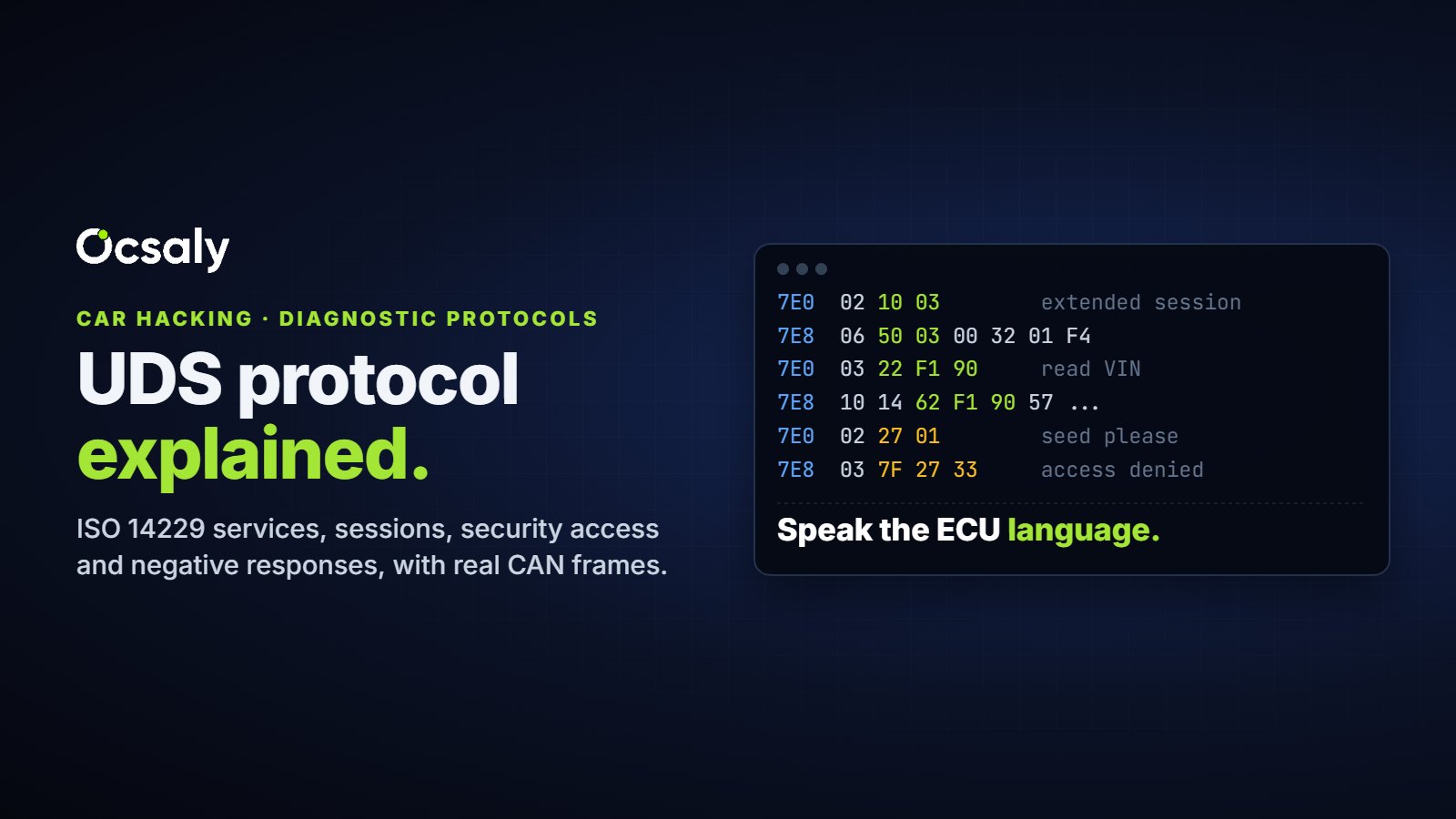
On CAN, the tester usually sends on ID 7E0 (engine ECU) and the ECU answers on 7E8. The first data byte is the ISO-TP length.
7E0  03 22 F1 90           read data by identifier F190 (VIN)
7E8  10 14 62 F1 90 57 41 55   first frame, 20 bytes follow
7E0  30 00 00              flow control: send the rest
7E8  21 5A 5A 5A ...       consecutive frames
The most important services
| SID | Service | What it does |
|---|---|---|
| 0x10 | DiagnosticSessionControl | Switch session: default, programming, extended |
| 0x11 | ECUReset | Restart the module |
| 0x14 | ClearDiagnosticInformation | Clear fault codes |
| 0x19 | ReadDTCInformation | Read fault codes and their status |
| 0x22 | ReadDataByIdentifier | Read a value by DID (VIN F190, software version, sensor data) |
| 0x23 | ReadMemoryByAddress | Read memory directly, if allowed |
| 0x27 | SecurityAccess | Seed and key unlock for protected functions |
| 0x28 | CommunicationControl | Stop or start normal messages, used before flashing |
| 0x2E | WriteDataByIdentifier | Write a value, for example coding or VIN |
| 0x2F | InputOutputControlByIdentifier | Actuator tests: fans, lights, injectors |
| 0x31 | RoutineControl | Start routines such as erase memory or calibrations |
| 0x34 / 0x36 / 0x37 | RequestDownload, TransferData, RequestTransferExit | Software download (flashing) |
| 0x3E | TesterPresent | Keep a non-default session alive |
| 0x85 | ControlDTCSetting | Stop the module from logging faults during work |
Diagnostic sessions
| Session | Byte | Typical use |
|---|---|---|
| Default | 0x01 | Reading codes and basic data, always active after start |
| Programming | 0x02 | Flashing software |
| Extended | 0x03 | Coding, actuator tests, more data |
Many services only work in the extended or programming session. If you leave a session idle, the module returns to default after a timeout (often about 5 seconds), so testers send TesterPresent (3E 00) regularly.
Security access (0x27)
Protected services such as writing coding or flashing need a seed and key unlock:
- The tester requests a seed:
27 01. - The ECU answers with a random seed:
67 01 A3 5C 91 0E. - The tester calculates a key with the manufacturer’s algorithm and sends it:
27 02+ key. - If the key is right, the ECU answers
67 02and the protected services unlock.
Wrong keys lead to NRC 0x35 (invalid key), and too many attempts to 0x36 and a time lock (0x37). A real example on a body module is in our Subaru BRZ security access lab.
Negative response codes you will see
| NRC | Meaning | What to try |
|---|---|---|
| 0x11 | Service not supported | The module does not offer this service |
| 0x12 | Sub-function not supported | Wrong sub-function byte |
| 0x13 | Incorrect message length | Check the ISO-TP length and data |
| 0x22 | Conditions not correct | Engine running, speed or voltage condition not met |
| 0x31 | Request out of range | Unknown DID or routine |
| 0x33 | Security access denied | Unlock with 0x27 first |
| 0x35 | Invalid key | Wrong key calculation |
| 0x78 | Response pending | Wait, the module is still working |
| 0x7F | Service not supported in active session | Switch to the extended or programming session |
Try it on a bench or simulator
On Linux with a CAN adapter and SocketCAN, the can-utils isotpsend and isotprecv tools handle ISO-TP for you:
echo "22 F1 90" | isotpsend -s 7E0 -d 7E8 can0
isotprecv -s 7E0 -d 7E8 can0
No car on the bench? Practise CAN first with the ICSim simulator tutorial, and keep the can-utils cheat sheet open. Only send requests to vehicles and modules you own or have permission to test: routines and writes can change how a car behaves.
Frequently asked questions
What is the difference between OBD-II and UDS?
OBD-II (SAE J1979) is the legislated emissions diagnostic with a fixed set of services and PIDs. UDS is the much larger manufacturer diagnostic protocol used for all modules, coding and flashing.
Does UDS only work on CAN?
No. UDS is the application layer. It runs over CAN with ISO-TP, over Ethernet with DoIP (ISO 13400), and over other transports such as FlexRay or K-line variants.
What is a DID?
A data identifier, a two-byte number for a value inside the module. F190 is the VIN, F187 the spare part number, F18C the serial number. Manufacturers define many more of their own.
Why does the ECU answer 7F 22 22?
That is a negative response to ReadDataByIdentifier with NRC 0x22, conditions not correct. The module will not answer in the current state; check the session, the ignition state and the engine state.
Is UDS hacking legal?
Sending diagnostic requests to your own vehicle or to bench modules you own is generally legal. Accessing other people’s vehicles without permission is not.
Learn UDS hands-on
Our Car Electronics and Car Hacking course takes you from raw CAN frames to ISO-TP and UDS: capturing real diagnostic sessions, decoding them, and sending your own requests safely on a bench setup.