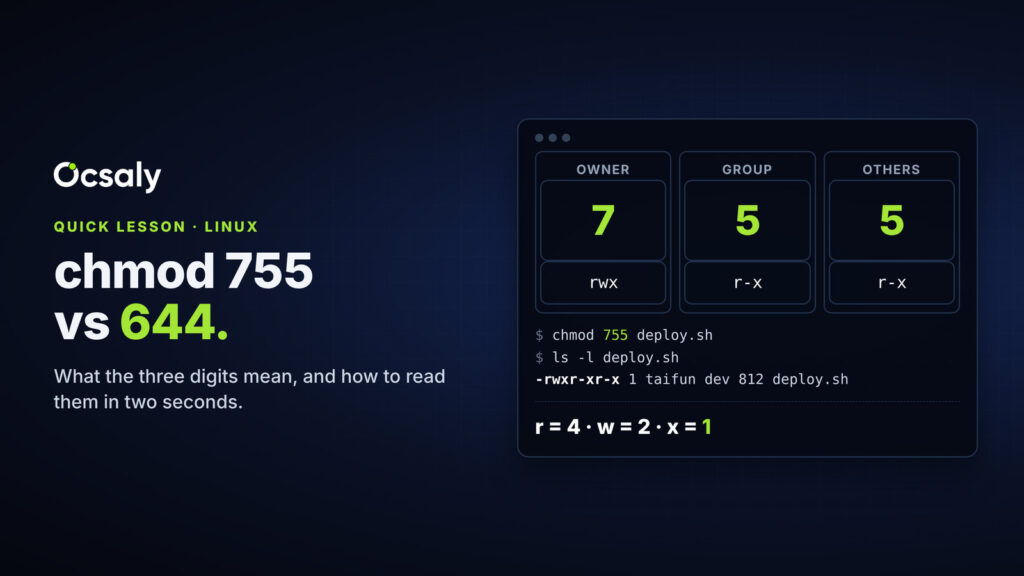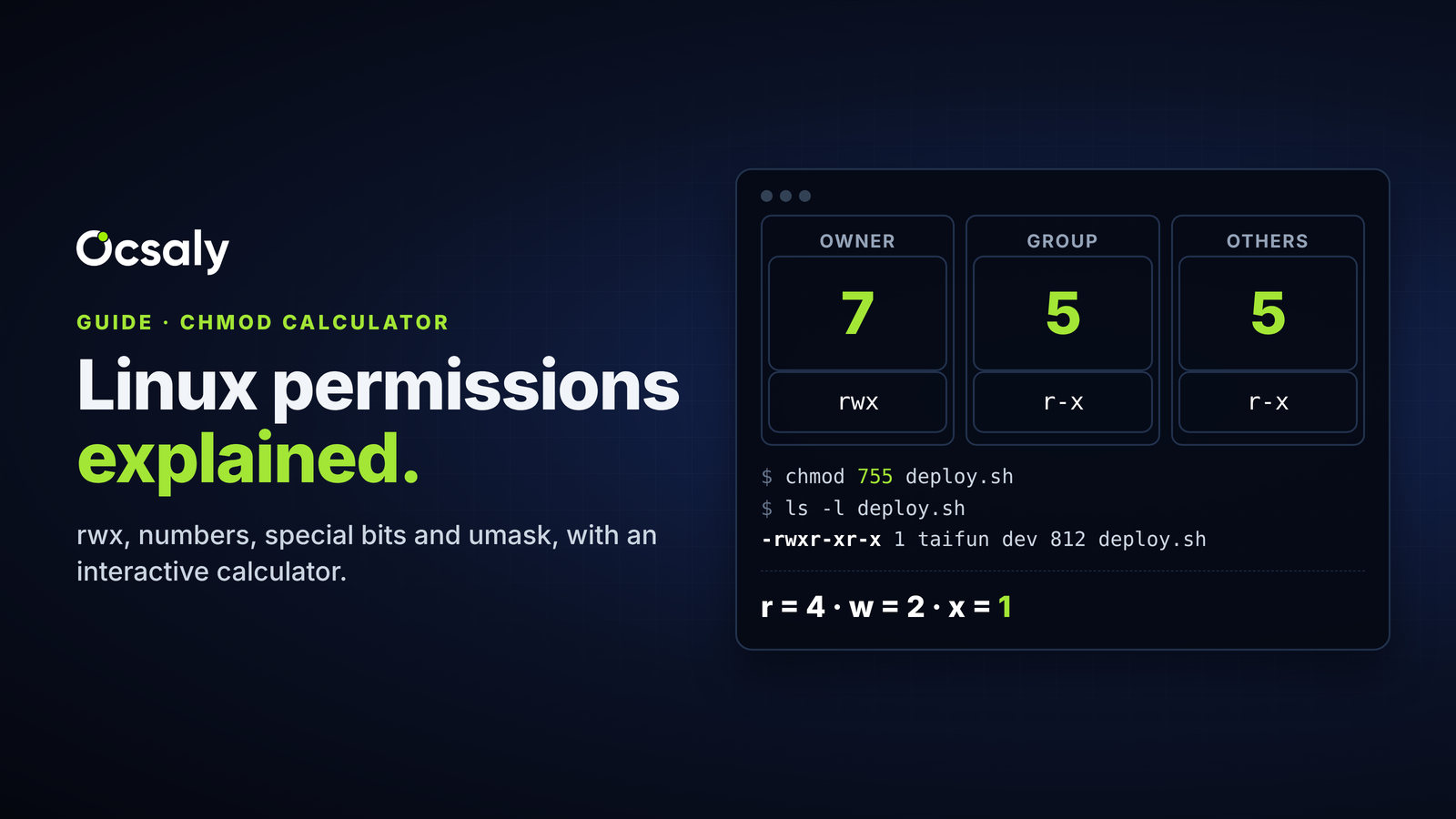
Linux file permissions decide who can read, write and execute a file. Every file has three sets of permissions: one for the owner, one for the group and one for everyone else. In numbers, read is 4, write is 2 and execute is 1, and each digit is their sum. So chmod 755 means rwx for the owner (4+2+1) and r-x for group and others (4+1), while chmod 644 means rw- for the owner and r-- for everyone else.
This guide explains how to read permissions, how to change them with chmod and chown, what the special bits and umask do, and how to fix the most common “Permission denied” errors. Use the chmod calculator below to try every combination.
Interactive chmod calculator
In Lab 1, tick permissions or type a number and see the chmod command, the symbolic form and what ls -l will show. In Lab 2, see how the umask decides the permissions of new files and folders.
ls -l view and a plain-English explanation.| Read (4) | Write (2) | Execute (1) | Digit |
|---|
How to read Linux permissions
$ ls -l
-rwxr-xr-x 1 taifun dev  812 Nov 22 10:14 deploy.sh
drw-r----- 2 taifun dev 4096 Nov 22 10:15 reports
The first character is the type: - for a file, d for a directory, l for a symbolic link. The next nine characters are three groups of three: owner, group and others. Then come the owner name (taifun) and the group name (dev).
| Permission | On a file | On a directory |
|---|---|---|
| r read (4) | Read the contents | List the names of the files inside |
| w write (2) | Change the contents | Create, rename and delete files inside |
| x execute (1) | Run it as a program or script | Enter it with cd and reach the files inside |
The directory row surprises many people: without x on a directory, you cannot open any file inside it, even if the file itself is readable. And whoever can write to a directory can delete files in it, whatever the file permissions say.
Common chmod values
| Number | Symbolic | Typical use |
|---|---|---|
644 | rw-r--r-- | Normal files: you edit, everyone reads |
755 | rwxr-xr-x | Directories, scripts and programs |
600 | rw------- | Private files: SSH private keys, passwords |
700 | rwx------ | Private directories such as ~/.ssh |
640 | rw-r----- | Config files a service group must read |
775 | rwxrwxr-x | Shared team directories |
777 | rwxrwxrwx | Almost never correct: anyone can change it |
1777 | rwxrwxrwt | /tmp: everyone writes, only owners delete |
4755 | rwsr-xr-x | setuid programs such as /usr/bin/passwd |
chmod with symbolic mode
Instead of numbers you can add or remove single permissions. u is the owner (user), g the group, o others and a all three.
| Command | Effect |
|---|---|
chmod +x script.sh | Make a script executable for everyone (respecting umask) |
chmod u+x script.sh | Make it executable for the owner only |
chmod g-w file | Remove write permission from the group |
chmod o= file | Remove all permissions for others |
chmod u=rw,go=r file | Set exactly 644 |
chmod -R u=rwX,go=rX dir | Recursive: capital X adds execute only to directories and files that are already executable |
Changing owner and group: chown and chgrp
sudo chown alice report.txt          # new owner
sudo chown alice:dev report.txt      # new owner and group
sudo chgrp dev report.txt            # new group only
sudo chown -R www-data:www-data /var/www/site   # recursive
Special bits: setuid, setgid and sticky
| Bit | Number | Shows as | What it does |
|---|---|---|---|
| setuid | 4000 | s in the owner execute slot | A program runs with the rights of its owner, often root |
| setgid | 2000 | s in the group execute slot | On a directory, new files inherit its group |
| sticky | 1000 | t in the others execute slot | On a directory, users can only delete their own files |
A capital S or T means the special bit is set but execute is not, which is usually a mistake. setuid root programs are a favourite target in privilege escalation, which is why security auditors list them with find / -perm -4000 -type f 2>/dev/null.
umask: the default permissions of new files
New files start from 666 and new directories from 777. The umask removes bits from that starting point. With the common umask 022, new files get 644 and new directories 755. Check yours with umask and set it for the current shell with umask 027.
Fixing "Permission denied"
- Running a script fails: add execute with
chmod u+x script.sh, or run it withbash script.sh. On some mounts (noexec) only the second works. - A readable file still cannot be opened: check every directory on the path with
ls -ld. Each one needsxfor you. - SSH says the key is unprotected: run
chmod 600 ~/.ssh/id_ed25519andchmod 700 ~/.ssh. SSH refuses keys that others can read. - A web server cannot read your files: check the owner and group with
ls -land make the files readable for the server's user or group, instead of using 777. - You are not who you think:
idshows your user and groups. After adding yourself to a group, log out and back in.
Avoid chmod -R 777. It makes every file writable by every user and executable as a program. To reset a folder safely, set directories and files separately:
find mysite -type d -exec chmod 755 {} +
find mysite -type f -exec chmod 644 {} +
Frequently asked questions
What does chmod 755 mean?
chmod 755 gives the owner read, write and execute (7 = 4+2+1) and gives the group and everyone else read and execute (5 = 4+1). It is the usual setting for directories, scripts and programs that others need to run but not change.
What does chmod 644 mean?
chmod 644 gives the owner read and write (6 = 4+2) and gives the group and everyone else read only (4). It is the usual setting for ordinary files such as documents, web pages and configuration files.
What does chmod +x do?
chmod +x adds execute permission so a file can be run as a program or script. Without a u, g or o in front, it adds execute for owner, group and others, minus anything blocked by your umask. Use chmod u+x to add it for the owner only.
Is chmod 777 safe?
Almost never. 777 lets every user on the system read, change and execute the file, so any compromised account or service can modify it. Fix the owner or group with chown instead, and use 755 or 775 for directories and 644 or 664 for files.
How do I change permissions recursively?
chmod -R applies a mode to a directory and everything inside it, but it treats files and directories the same. Use find with -type d and -type f to set directories to 755 and files to 644, or chmod -R u=rwX,go=rX, where capital X only adds execute to directories.
What is the difference between chmod and chown?
chmod changes what the owner, group and others are allowed to do. chown changes who the owner and group are. Changing the owner usually requires sudo, while the owner of a file can change its permissions with chmod.
Where to go next
Permissions are the foundation. Turning everyday Linux work into scripts, from variables, loops and exit codes to building your own network monitor and network scanner in pure bash, is covered lesson by lesson in Bash Scripting for Network Automation.